
AI on Mobile: Native Assistants vs. Third-Party Apps

AI on mobile has evolved from a curiosity to a daily tool that influences everything from how we organize our day to how we interact with technology. However, not all solutions are created equal. The battle between native assistants and third-party apps is not just a matter of brands or preferences, but of experience, privacy, and functionality. Let’s unravel what lies behind each option and how to choose based on what truly matters in your daily life.
What Does a Native Assistant Really Offer on Your Mobile?
Native assistants, those that come pre-installed on your smartphone, have the advantage of being designed to work in harmony with the operating system. This allows them privileged access to internal functions, from managing calls and messages to controlling device settings without needing to open apps. Additionally, they tend to be faster in response and consume fewer resources, which is crucial if you care about battery life or phone performance.
If you value convenience and want everything to work seamlessly, the native assistant is the safe bet. However, not everything is as rosy as it seems: many users complain about the rigidity of options or that the AI doesn’t adapt well to less conventional uses or less common languages.
Interested in getting the most out of your native assistant? Try exploring less obvious commands and customizing routines. You might be surprised by what it can do.
Third-Party Apps: More Power or More Problems?
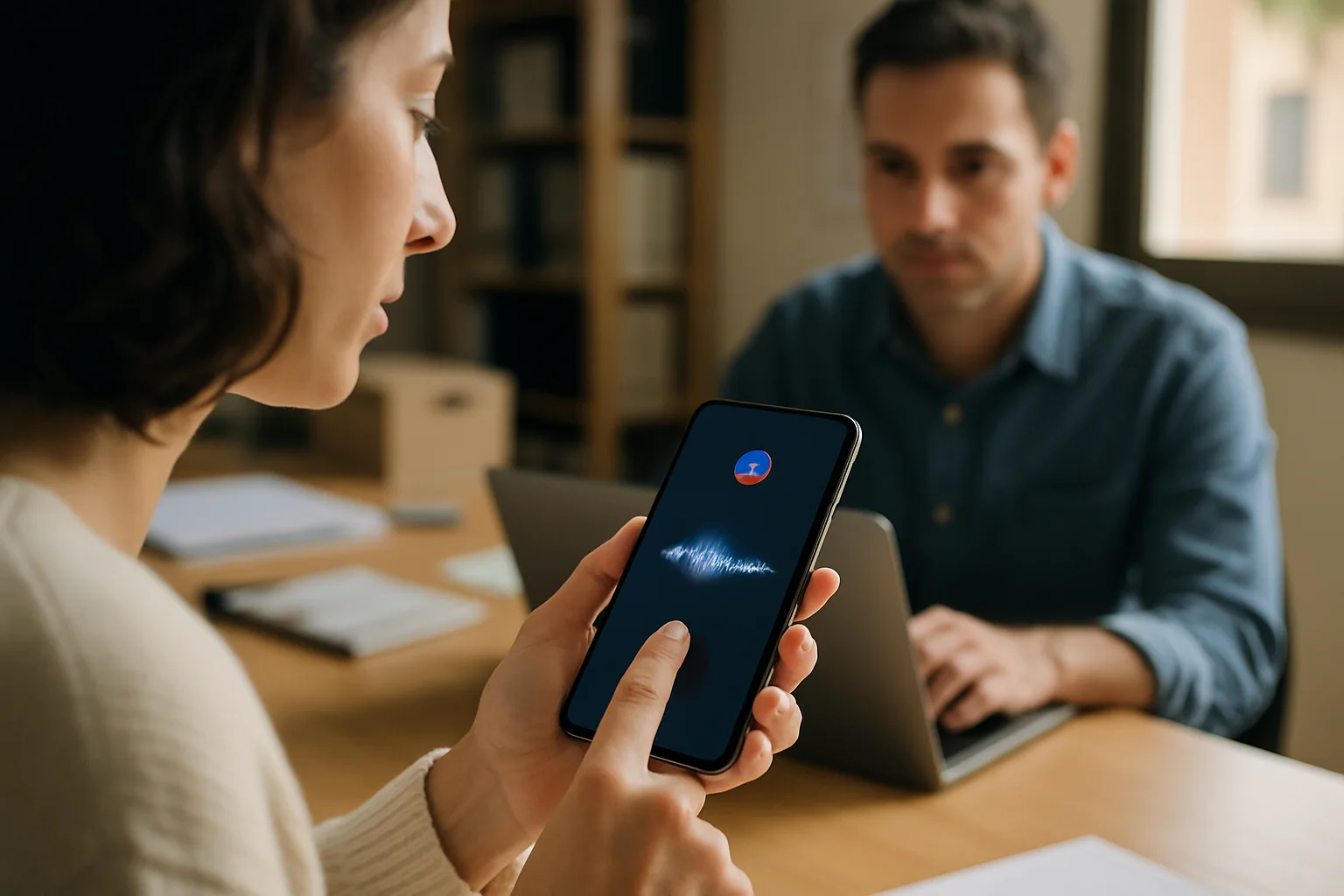
On the other hand, third-party apps present themselves as the alternative for those seeking something beyond the limitations of the integrated assistant. These applications often incorporate more advanced or specialized AI models, capable of understanding complex contexts, generating creative texts, or even helping you make decisions with real-time data.
But here comes the classic dilemma: at what cost? Often, these apps require extensive permissions that can compromise your privacy. Additionally, integration with the system is more limited, which can result in a more fragmented experience and, at times, slower performance.
If you enjoy experimenting and don’t mind spending time configuring and testing, third-party apps can be an excellent resource. However, always keep in mind the security of your data and carefully review what access you grant.
Practical Contexts: When and How to Use Each Option
In real life, the usefulness of AI on mobile is not measured by technical features, but by how it enhances your productivity and simplifies tasks. For example, to manage your calendar, send messages, or make quick inquiries, the native assistant is usually sufficient and more efficient. In contrast, if you need to generate complex content, translate lengthy texts, or analyze information, a third-party app can make a difference.
It also heavily depends on the type of user you are. A professional handling large volumes of information and needing to automate processes will likely find added value in external apps. But for the average user, who seeks speed and minimal hassle, the integrated solution will be more than enough.
A curious detail: the constant evolution of AI is blurring the lines between native assistants and third-party apps. Some manufacturers are integrating functionalities into their systems that until recently we only saw in independent apps. Does this mean the balance will tip toward a single model? We’ll have to see.
Is It Worth Risking Privacy for More Functions?
One aspect that should never be overlooked is the cost in terms of privacy. AI on mobile, especially when relying on third-party apps, often requires access to sensitive personal data to function properly. This is not just a technical issue, but also an ethical and legal one.
Are you willing to relinquish control over your information in exchange for more powerful AI? The answer is neither universal nor easy. In my experience, a good practice is to limit permissions to the bare minimum and use third-party apps only for specific and occasional tasks.
Moreover, don’t forget that native assistants, while more limited, usually offer a more robust security framework, as they are subject to strict policies from manufacturers and operating systems. That doesn’t mean they are perfect, but it does mean the risk is lower.
The Real Impact of Latency and Connection on Mobile AI Experience
One dimension that is rarely addressed in the comparison between native assistants and third-party apps is the crucial role that latency and dependence on internet connection play in user experience. While native assistants often leverage lighter AI models or even offline functionalities, many external apps rely almost exclusively on cloud servers to process requests. This can result in a noticeable delay, especially on unstable mobile connections or in areas with poor coverage.
For example, imagine you’re traveling and need a quick translation or contextual search with a third-party app. If the network fails or the speed is insufficient, the response may take seconds or even fail, which not only generates frustration but can also affect immediate decisions. In contrast, a native assistant, while less sophisticated, can provide instant responses in many basic situations, thanks to its local integration with the system.
This factor means that in scenarios where connectivity is limited or variable, the choice of assistant is not just a matter of functions, but of reliability and consistency. Therefore, for users who depend on their mobile in areas with poor coverage, native assistants may be a more practical and less frustrating option.
When Customization Becomes a Double-Edged Sword
Another nuance that is rarely explored is how the ability to customize, which at first glance seems like a clear advantage of third-party apps, can become a problem for certain users. These applications often offer fine-tuning options, integrations with other services, and a flexibility that the native assistant does not reach. However, this freedom also implies a learning curve and a greater risk of incorrect or insecure configurations.
For example, a user who configures an AI app to automate tasks may, without realizing it, open doors to vulnerabilities or create workflows that consume excessive resources, affecting the overall performance of the mobile. Additionally, the dependence on multiple applications for specific functions can fragment the experience, causing the user to waste time managing permissions, updates, and compatibility issues.
In contrast, native assistants, while less customizable, offer a more homogeneous and controlled experience, ideal for those who prefer technology to work without too many interruptions or constant adjustments. Ultimately, customization is a double-edged sword that should be handled with knowledge and caution.
A Counterexample: When a Third-Party App Is Not Better
To illustrate how the supposed superiority of third-party apps may not hold true in practice, it’s worth analyzing a specific case. A user who installed an AI app to boost productivity found that, although the application promised advanced functionalities, the experience on their device was frustrating. The app drained too much battery, slowed down other tasks, and, worst of all, had integration issues with the calendar and notifications, causing important alerts to arrive late.
Furthermore, the app requested permissions that didn’t seem necessary for its main functions, generating constant concern about privacy. In the end, the user decided to return to the native assistant, which, while less powerful, offered a more stable, faster, and safer experience for their daily needs. This counterexample demonstrates that power does not always translate into a better experience and that the promises of third-party apps should be evaluated with skepticism and real testing.
The Future Evolution: Towards an Inevitable Hybrid?
Looking ahead, it’s likely that the distinction between native assistants and third-party apps will blur even further due to advancements in technology and mobile architecture. Manufacturers are exploring hybrid models that combine local processing with cloud power, seeking the best of both worlds: speed, privacy, and advanced functionality.
For example, Apple has made strides in incorporating language models directly on the device to enhance Siri, reducing the need to send data to the cloud and improving privacy. Google, on the other hand, is working on a deeper integration of its AI services, trying to ensure that third-party apps can interact better with the system without compromising the experience or security.
This evolution opens new possibilities but also raises questions about who controls these hybrid systems, how data is managed, and what limits are set to protect the user. Ultimately, the future of AI on mobile will be as fascinating as it is complex, requiring a critical eye to keep in mind what truly matters: technology that empowers without risking our privacy or peace of mind.
Published: 11/05/2026. Content reviewed using experience, authority and trustworthiness criteria (E-E-A-T).
This article may have used artificial intelligence tools to support structure, editing, translation or review. Editorial responsibility and final review remain with Toni Berraquero. View AI policy

You can support the project or share this article in one click. At least this block does something useful.