
Corporate Email: 6 Basic Adjustments to Secure It

One thing I've learned after years of managing digital infrastructures in companies is that email security is not a luxury or an option, but an essential requirement. It's not enough to have antivirus software or a decent password; corporate email is the most common entry point for attacks, leaks, and legal issues. Here are six essential adjustments to secure your email and avoid unpleasant surprises.
1. Enhanced Authentication: Key to Preventing Impersonation
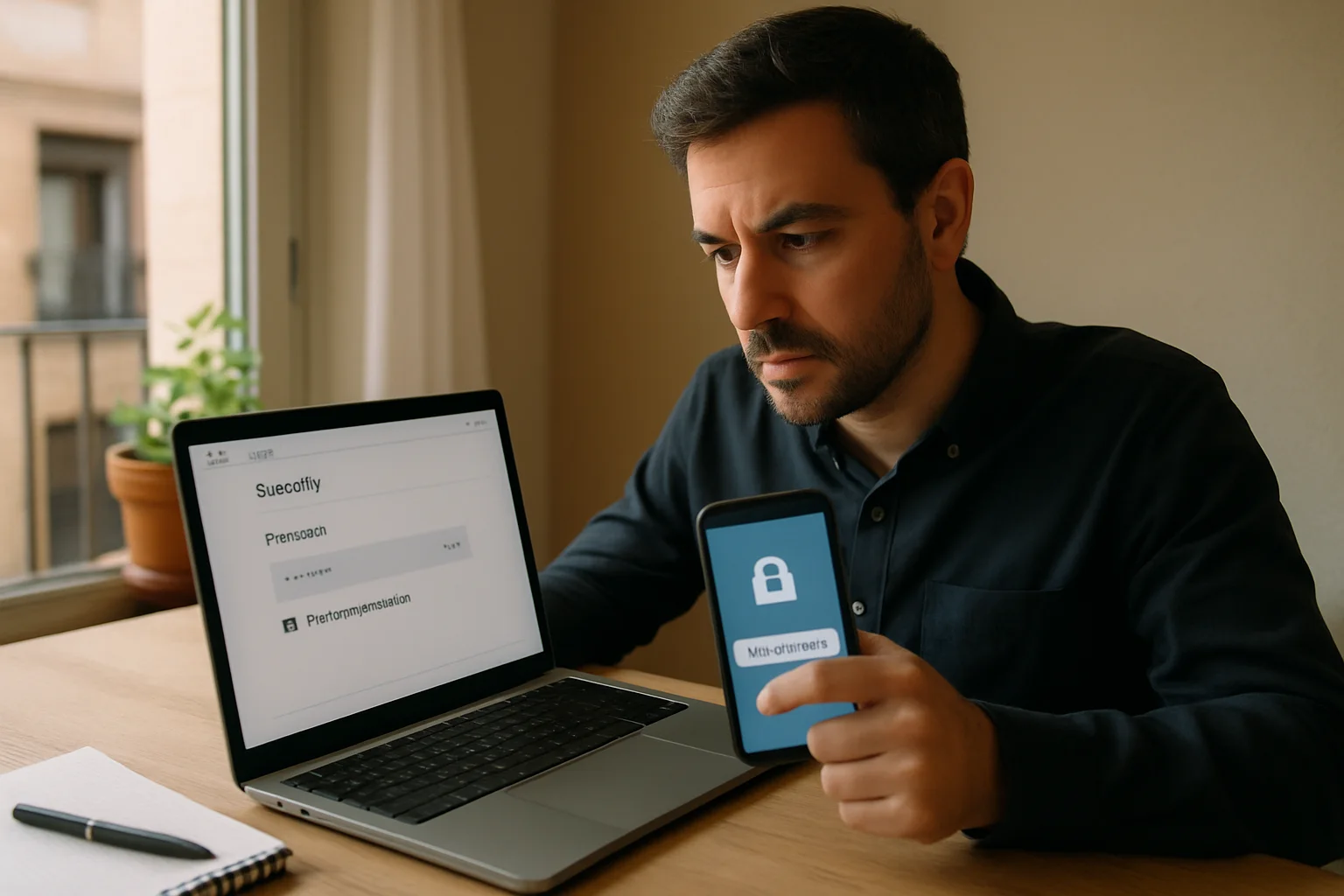
The first step to improving the security of your corporate email is to implement strong authentication methods. I'm not just talking about requiring password changes every so often, which is quite outdated, but activating two-factor authentication (2FA) or, even better, systems based on digital certificates or hardware tokens.
With 2FA, even if an attacker gets your password, they will need a second factor to access your account, drastically reducing the risk of intrusion. From experience, in companies where this measure has been implemented, the incidence of unauthorized access drops to a minimum.
Want to take the leap? Start by activating 2FA on all corporate accounts today.
2. Password Policies and Access Management: Less is More
The obsession with long and complex passwords can sometimes backfire. The reality is that users tend to write them down, reuse them, or create predictable patterns. It's more effective to combine reasonable policies with access and password management tools.
Additionally, limit access to corporate email only to those who need it. Not everyone in the company should have the same ability to send mass emails or access sensitive information. Implement clear roles and permissions, and review them regularly.
| Aspect | Practical Recommendation | Consequence of Ignoring It |
|---|---|---|
| Password Length | 8-12 characters with a mix of types | Easy-to-guess or repeat passwords |
| Use of Managers | Adopt corporate password managers | Written down or repeated passwords |
| Permission Review | Quarterly access audits | Unauthorized access and information leaks |
3. Encryption: The Invisible but Effective Barrier
Email is an old protocol, designed without considering privacy or security. That's why encryption is essential to protect information in transit and at rest. There are two main types you should consider: transport encryption (TLS) and end-to-end encryption.
The former ensures that the message travels securely between servers, while the latter encrypts the content end-to-end, so that only the sender and recipient can read it. In corporate environments with sensitive information, end-to-end encryption should be the norm, although its implementation can be more complex and requires training.
Did you know that many corporate emails travel unencrypted and can be easily intercepted? It's not a myth.
Common Mistakes That Weaken Corporate Email Security
In my experience, these are the most common mistakes I see in companies that later suffer breaches or issues:
- Not updating security policies: technology and threats change rapidly, and sticking to the same protocol from years ago is a serious mistake.
- Ignoring staff training: the weakest link is often the user. Without ongoing training, any technical measure can be bypassed with a simple click on a malicious link.
- Using insecure protocols: there are still companies that allow unencrypted POP3 or IMAP connections, exposing credentials and content.
- Sharing accounts or passwords: the lack of control and traceability opens the door to abuse and leaks.
Quick Tips to Keep Email Security Up to Date
- Regularly update server and email client software.
- Set up robust and customized anti-spam and anti-phishing filters.
- Make regular backups and verify their integrity.
- Limit email use for critical information, encouraging secure alternative channels.
- Review the devices from which access is made and apply mobile security policies.
An Uncommon Perspective: The Impact of DNS Configuration on Email Security
When we talk about email security, we often focus on visible aspects like passwords, authentication, or encryption. However, a critical and often overlooked factor is the proper configuration of the DNS records associated with the corporate domain. Specifically, SPF, DKIM, and DMARC records are not just technical recommendations, but real barriers that prevent attackers from impersonating your identity and sending fraudulent emails from your domain.
A concrete example: imagine your company doesn't have an SPF record configured or that it is too permissive. This means that any mail server could send emails pretending to be from your domain. The result is that your clients or partners could receive malicious messages that appear legitimate, damaging your reputation and opening the door to phishing or fraud attacks. In contrast, a well-configured SPF specifies which servers are authorized to send emails on your behalf, and if an email comes from elsewhere, it will be rejected or marked as suspicious.
But SPF alone is not enough. DKIM adds a cryptographic signature to each outgoing email, allowing the recipient to verify that the message was not altered in transit and that it truly comes from your domain. DMARC, on the other hand, is the policy that tells receiving servers what to do if an email fails SPF or DKIM checks: whether to reject it, quarantine it, or accept it with a warning. This final layer is crucial to closing the loop and protecting the integrity of your corporate email.
A common objection is that configuring these records can be complicated and that if done incorrectly, it can block legitimate emails. This is true, but the alternative—failing to do it or leaving it misconfigured—exposes you to much greater risks. Therefore, it's advisable to rely on experts or tools that validate the configuration and monitor its effectiveness. Additionally, DMARC provides reports that allow you to adjust policies progressively, minimizing disruptions.
Practical Consequences of Ignoring DNS Security in Email
The consequences are not just technical but also legal and commercial. For example, in regulated sectors like finance or healthcare, a successful phishing attack using your domain can lead to penalties for non-compliance with data protection regulations. From a commercial perspective, the loss of trust from clients or partners can be irreversible, directly affecting revenue and corporate image.
Moreover, email providers like Gmail or Outlook penalize domains without proper DNS configurations by sending messages to the spam folder or blocking them outright. This affects the deliverability and effectiveness of your campaigns or important communications, something few consider until it's too late.
In summary, corporate email security is not limited to internal protection or the end user. The DNS infrastructure is a fundamental link that, when well managed, multiplies the effectiveness of all other measures and secures your domain against sophisticated attacks that can go unnoticed until they cause serious damage.
Frequently Asked Questions About Corporate Email Security
Is it enough to change the password regularly to protect email?
No. Changing the password is basic, but without 2FA or additional controls, an attacker can access it if they obtain the key by other means. The combination of measures is what provides true security.
Can I use free services for my company's email without risks?
It depends on the type of information you handle. For sensitive or confidential data, it's advisable to use a professional service that guarantees security policies, encryption, and support. Free services often have limitations and risks.
What should I do if I receive a suspicious email in the corporate account?
Do not open links or download attachments. Immediately report it to the IT or security department. Quick response can prevent a larger breach.
What advantages does end-to-end encryption have over TLS encryption?
End-to-end encryption protects the content of the email from the moment it leaves the sender until it reaches the recipient, preventing third parties, including email providers, from accessing the content. TLS only protects the channel, not the content at rest.
How can I train my team to avoid security errors in email?
Training should be practical and ongoing, with phishing simulations, talks on best practices, and updates on new threats. Security is not just technology; it's also corporate culture.
Common questions about corporate email security
What signal should I check first?
Start with what requires quick action. In email security, urgency often serves as bait: urgent notice, blocked account, supposed pending payment, or a link that seems innocent until you open it.
Is it enough to trust the sender's name?
No. The name, logo, and even the tone can be copied. A useful check is whether the message aligns with something you were expecting and if the link, request, and context make sense together.
What should I do if the message seems real but raises suspicion?
Do not click the link in the message. Open the app or official website yourself, check from there, and delete the message if there is no clear confirmation.
Published: 24/05/2026. Content reviewed using experience, authority and trustworthiness criteria (E-E-A-T).
This article may have used artificial intelligence tools to support structure, editing, translation or review. Editorial responsibility and final review remain with Toni Berraquero. View AI policy

You can support the project or share this article in one click. At least this block does something useful.