
How to Tell if an Email is Phishing: Brutally Simple Checklist
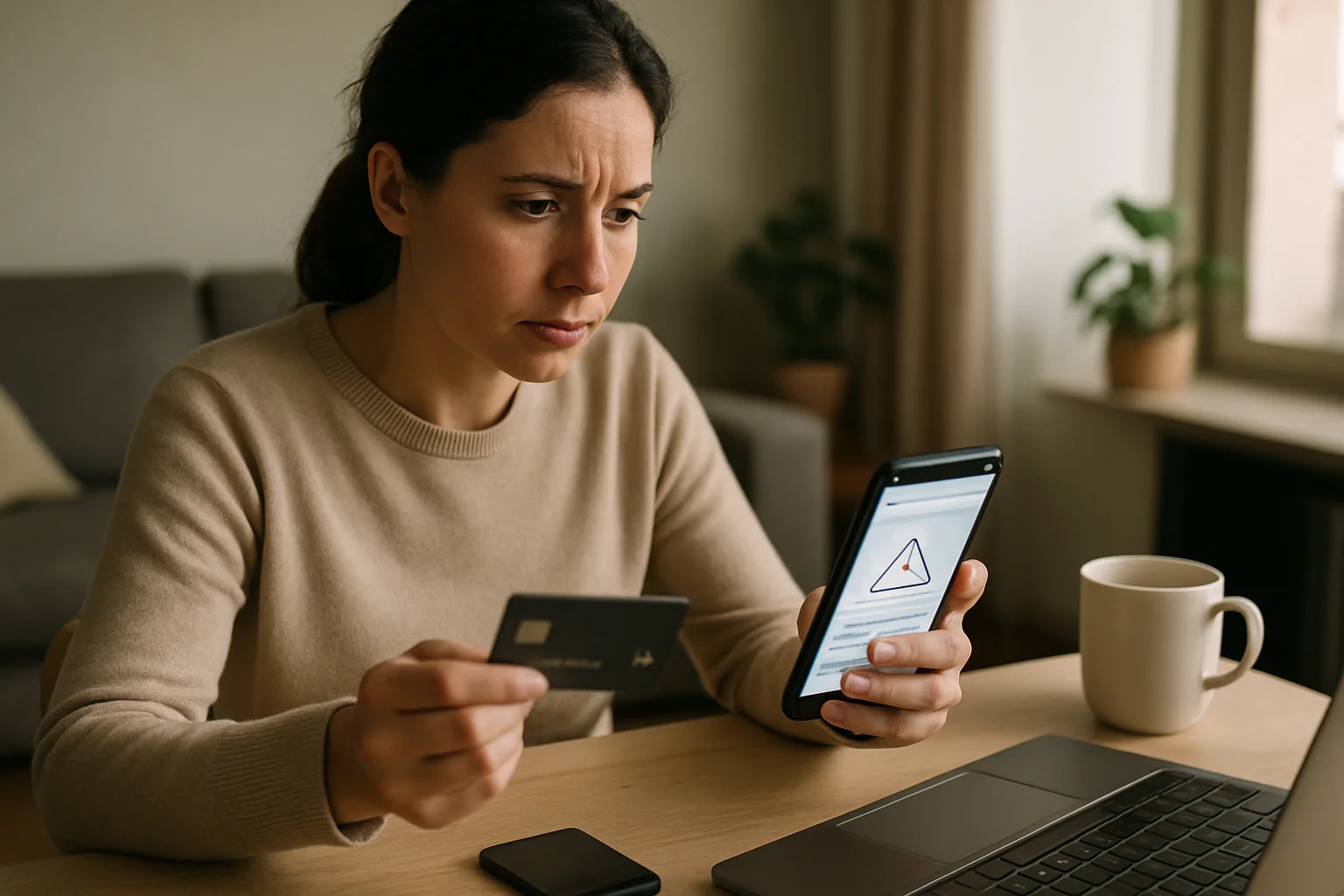
In the digital age, the security of our information is more important than ever, and in Spain, phishing email attacks are rampant. To keep ourselves safe, we’ve created a phishing email checklist that will help you identify whether those suspicious emails are a trap or just a mistake. Let’s get started!
What is phishing and why should you care?
Phishing is a technique used by cybercriminals to deceive users and obtain confidential information, such as passwords or banking details. In Spain, the rise of these scams has been alarming, especially during the pandemic when many of us spent more time at home, connected to the internet. So, if you think it won't happen to you, think again.
Phishing Email Checklist
| Criterion | Description | Is it phishing? |
|---|---|---|
| Email address | Check if the domain is legitimate and free of typos. | ✔️ |
| Greeting | Look for a generic greeting. If they don’t use your name, be suspicious. | ✔️ |
| Urgency | Messages that create a sense of urgency are often suspicious. | ✔️ |
| Links | Hover over them without clicking. Where do they really lead? | ✔️ |
| Attachments | Be wary of unexpected .exe or .zip files. | ✔️ |
| Grammar mistakes | Professional emails are usually well-written. Mistakes = distrust. | ✔️ |
Common Mistakes When Identifying Phishing
Common errors users make
- Not verifying the email address.
- Ignoring the tone of the message.
- Clicking on links without thinking.
- Assuming an email from a known company is safe.
- Not updating security software.
Quick Tips to Avoid Phishing
- Always verify the sender's address: a small mistake can be a red flag.
- Be wary of urgency: if they ask you to act quickly, it’s likely a scam.
- Don’t click on unknown links: it’s always better to go directly to the official website.
- Use two-factor authentication: add an extra layer of security to your accounts.
- Educate your colleagues: if you work in an office, share this checklist.
FAQ about Phishing
What should I do if I think I've opened a phishing email?
If you’ve opened a suspicious email, the first thing is not to click on any links or download attachments. Change your passwords, especially if you’ve entered personal information, and consider setting up alerts on your accounts.
How can I better protect myself against phishing?
The best defense is education. Familiarize yourself with phishing tactics and keep your software updated. Additionally, use security tools like antivirus and spam filters.
Is it safe to report a phishing email?
Absolutely! Reporting these emails helps companies and authorities combat phishing. In Spain, you can report to the National Police through their website.
Are companies responsible for phishing attacks on their customers?
Not always. While they have a responsibility to protect user information, most of the time it’s the users themselves who need to be cautious. If you notice something suspicious, don’t hesitate to contact the company’s customer service.
Can I recover my money if I fall for a phishing scam?
Depending on the situation, it may be possible to recover the money, but not always. It’s crucial to act quickly and notify your bank or financial institution as soon as possible.
With this phishing email checklist in hand, you now have a valuable tool to navigate the world of emails more securely. Stay alert and don’t get fooled!
Published: 23/04/2026.
This article may have been prepared with the assistance of artificial intelligence tools. View AI policy

You can support the project or share this article in one click. At least this block does something useful.