
How to Turn an Old PC into a Private AI Server Without Overthinking It
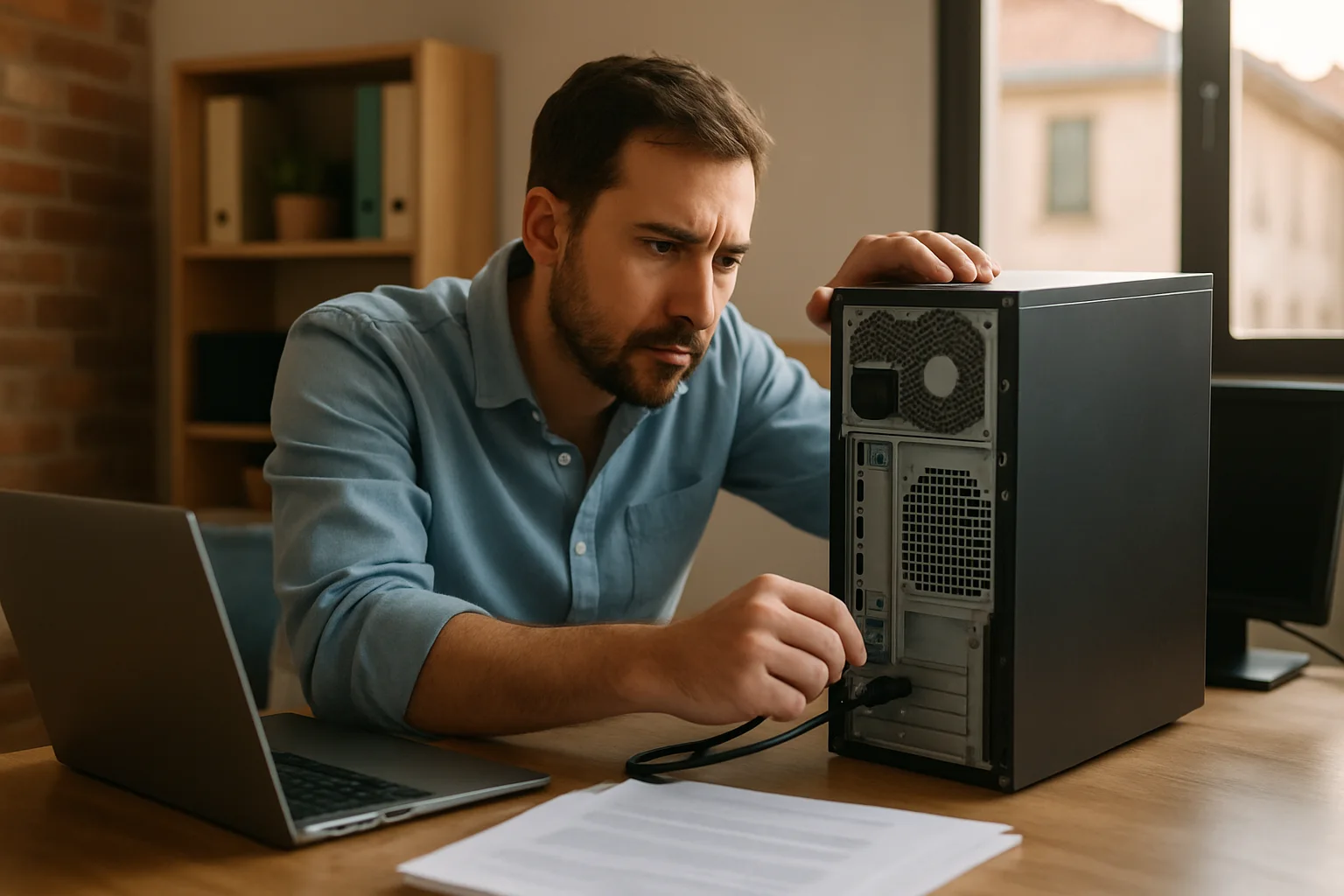
If you have a computer that's just gathering dust, you might be interested in giving it a second life as a private AI server. You don't need to be a networking expert or dive into complicated configurations. Today, we'll explore how to make the most of that forgotten machine to run basic artificial intelligence models or set up your own experiments without relying on the cloud or expensive services.
Why a Private AI Server on an Old PC? Advantages and Realities
Before diving in, it's important to clarify what you can expect and what you can't from an old PC turned into an AI server. First off: don't expect miracles. If your machine is over 7 or 8 years old, you'll likely face significant limitations in terms of power and memory. However, if you're looking to tinker with small models, test frameworks, or even set up an environment for learning and development, it can be a perfectly valid option.
A private AI server at home or in your office gives you complete control over your data, privacy, and, in many cases, also saves you money in the medium term. Forget about relying on slow connections or cloud services that charge for usage or storage. That said, the initial investment in time and some extra hardware may be necessary to ensure everything runs smoothly.
Want to start putting your old PC to work? Keep reading, and you'll see it's not that complicated.
Practical Steps to Turn Your PC into a Private AI Server
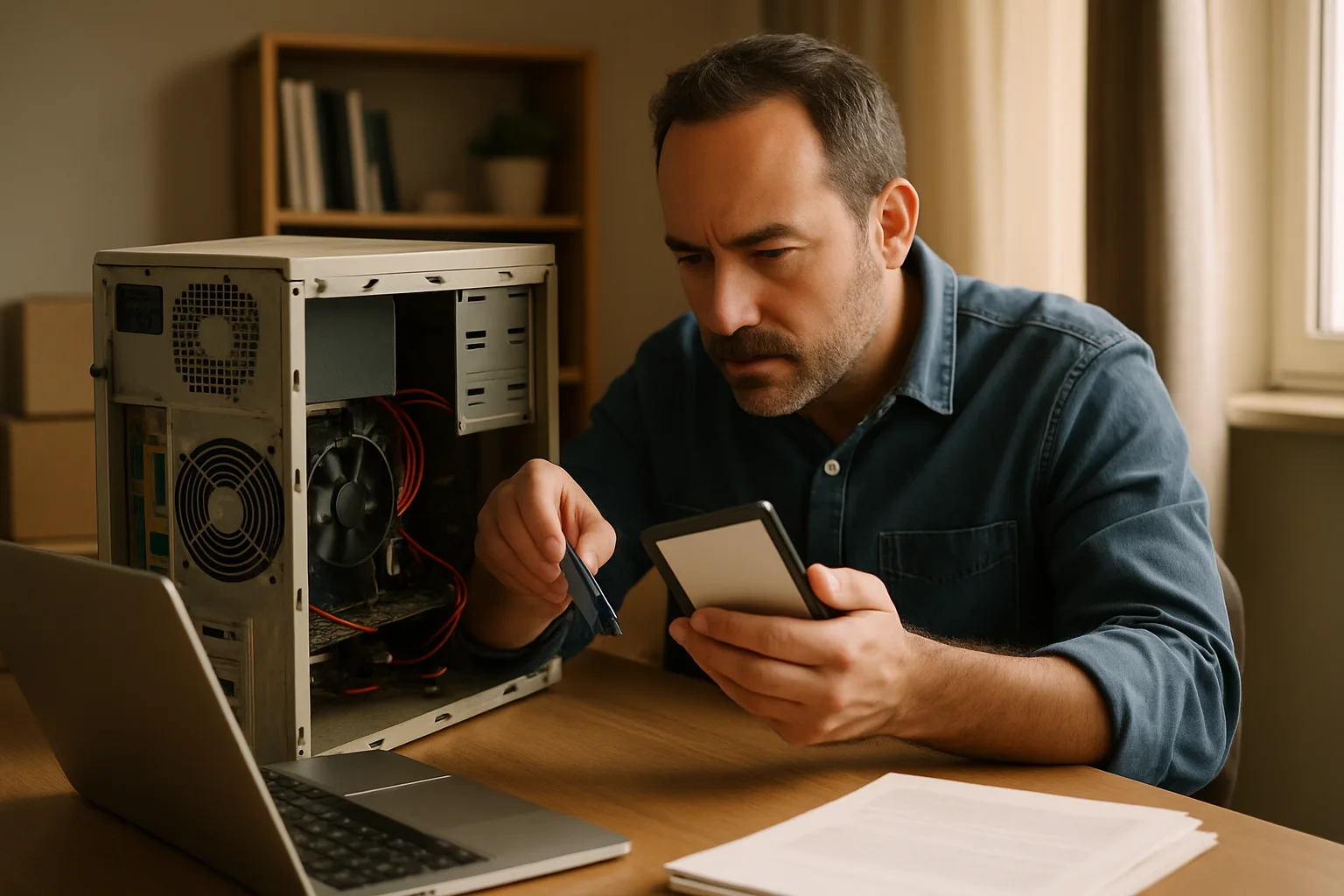
Let's get to the point. First, evaluate the hardware. For a private AI server, it's ideal for the machine to have at least 8 GB of RAM, a decent processor (it doesn't have to be cutting-edge, but it shouldn't be a relic from 15 years ago), and, if possible, a GPU compatible with frameworks like TensorFlow or PyTorch. NVIDIA GPUs with CUDA are usually the most recommended, but there are also options for AMD CPUs and GPUs.
If your PC doesn't have a GPU, don't get discouraged: you can work with simpler models or those that don't require graphical acceleration. Just be prepared for longer training and processing times.
Once you have the hardware, the next step is to choose the operating system and environment. Linux is the preferred option for its stability and support in AI, with distributions like Ubuntu or Debian. Installing Docker is almost mandatory to manage containers with AI models and services without complicating your life. Additionally, it allows you to isolate environments and prevent a failure from affecting the entire system.
Setting up a secure local network is key, especially if you'll be accessing the server from other devices. A good firewall and access control will prevent unauthorized users from accessing your server for unwanted purposes.
Limitations and Considerations: Not Everything is as Great as It Seems
Many people jump into setting up a private AI server thinking they'll have the power of large data centers at home. That’s not going to happen. Old PCs have clear limitations in terms of performance, energy consumption, and long-term reliability. If you want to train complex models or handle large volumes of data, you'll encounter bottlenecks and frustration.
Another point to consider is maintenance. A home server is not an appliance; it requires updates, backups, and constant monitoring to avoid data loss or unexpected crashes. Additionally, noise and heat can be an issue if the equipment isn't in a suitable location.
It's also wise to think about scalability. If you ever need more power, you might want to combine your private AI server with cloud services or invest in more modern hardware. The key is to find a balance between cost, performance, and convenience.
Is It Worth It? Final Thoughts and Practical Tips
Turning an old PC into a private AI server can be a rewarding experience if you enjoy tinkering and learning. Don't expect professional results, but you will have a personal lab to experiment and better understand how these technologies work. Plus, it's a sustainable way to reuse hardware that would otherwise end up in the trash.
If you decide to go for it, my advice is to start small, with well-documented projects. Avoid complicating things with overly advanced configurations at first. And above all, don't obsess over power; creativity and ingenuity often make up for a lack of resources.
Do you have an old PC lying around? What would you like to try on your private AI server? Sometimes, the best way to learn is simply to start and adjust along the way.
When the Private AI Server Meets Reality: A Little-Known Nuance
There's a technical detail that rarely gets mentioned when discussing setting up a private AI server on an old PC, and it can skew the experience if not taken into account: the GPU architecture and compatibility with modern frameworks. It's not enough to have a functioning graphics card; it's crucial that the GPU supports the libraries and accelerators used by current models, such as CUDA for NVIDIA or ROCm for AMD. For example, an NVIDIA GPU from 7 or 8 years ago may not support recent versions of CUDA, limiting the use of frameworks like TensorFlow or PyTorch in their latest versions.
This means that even if the hardware seems sufficient on paper, the software may not fully utilize it or may not work at all. A specific case: a user with a GTX 660 Ti from 2012 tried to set up an environment with TensorFlow 2.10 and found that the CUDA version compatible with that GPU was not supported by TensorFlow beyond version 1.15. The result: they had to stick with older versions of the framework, losing access to recent improvements and features, or resign themselves to using only the CPU. This greatly limits the experience and can frustrate those expecting decent performance.
Therefore, a key step before diving in is to verify the exact compatibility between your GPU, the version of CUDA or ROCm it supports, and the versions of the framework you want to use. In some cases, it might be worth upgrading the GPU if the motherboard allows it, or even using external accelerators like NVIDIA Jetson or Google Coral, which, although they come at a cost, offer updated support and low power consumption.
What If You Don't Have a GPU? The CPU Isn't the Enemy, But You Need to Know How to Play
A common mistake is thinking that without a GPU, AI is impossible. While it's true that GPUs significantly accelerate the training and inference of models, current CPUs, even in old PCs, can be useful for specific tasks. For example, small language models or simple neural networks can run on a CPU without issues, albeit with longer times. But here's an important nuance: optimization.
Modern AI frameworks include specific optimizations for CPUs, such as vectorization with AVX or AVX-512, and the use of multiple threads. However, these optimizations depend on the processor and the software version. An old PC may lack these extensions, making even running simple models slow and impractical. In contrast, a more modern CPU without a GPU can provide a decent experience thanks to these optimizations.
Additionally, there are specialized libraries like ONNX Runtime or Intel OpenVINO, designed to maximize performance on CPUs. These tools allow you to convert trained models to run more efficiently on processors, which can be a lifesaver if you don't have a GPU. But be careful: the conversion and adaptation process requires technical knowledge and patience; it's not plug-and-play.
A Counterexample to Reflect On: When the Private AI Server Becomes a Dead End
To better illustrate the limitations, let's consider the case of a developer who decided to reuse a PC from a decade ago with 4 GB of RAM and no GPU to set up a private AI server. The idea was to train image recognition models for a personal project. After installing Ubuntu and configuring TensorFlow, they began training a simple model with a small dataset.
However, they soon found that the RAM was insufficient, the processor was overloaded, and the operating system slowed down to the point of nearly freezing. Trying to train more complex models was impossible, and the experience was frustrating. Additionally, the lack of a compatible GPU prevented them from accelerating inference, making even the execution of already trained models slow. Ultimately, the developer opted to use cloud services for training and reserved the PC only for very basic tests.
This example shows that while the idea of a private AI server on an old PC is appealing, it isn't always feasible without at least meeting certain hardware minimums. The illusion of reusing old equipment can clash with technical reality, and it's crucial to evaluate expectations and resources before investing time and effort.
What to Do If You Want to Go Further? Options to Scale Without Losing Control
If after trying with your old PC you find the limitations too great, all is not lost. An interesting strategy is to combine your private server with cloud resources in a hybrid manner. For example, you can train heavy models on platforms like Google Colab or AWS and then deploy them on your local server for inference or testing. This allows you to leverage the power of the cloud without losing control over the execution environment and sensitive data.
Another option is to gradually invest in hardware specific to AI, such as modern GPU cards or dedicated devices like NVIDIA Jetson or Raspberry Pi with TPU accelerators. These devices are relatively inexpensive and offer a good balance between power, consumption, and ease of use. Additionally, they maintain the philosophy of a private server, avoiding dependence on third parties.
Finally, don't underestimate the value of community and open-source software. Projects like Hugging Face, TensorFlow Lite, or ONNX offer optimized models to run on limited hardware, and specialized forums can help you get the most out of your equipment without falling into complicated or costly configurations.
Published: 11/05/2026. Content reviewed using experience, authority and trustworthiness criteria (E-E-A-T).
This article may have used artificial intelligence tools to support structure, editing, translation or review. Editorial responsibility and final review remain with Toni Berraquero. View AI policy

You can support the project or share this article in one click. At least this block does something useful.