
Private Browsing: What It Does and What It Doesn't
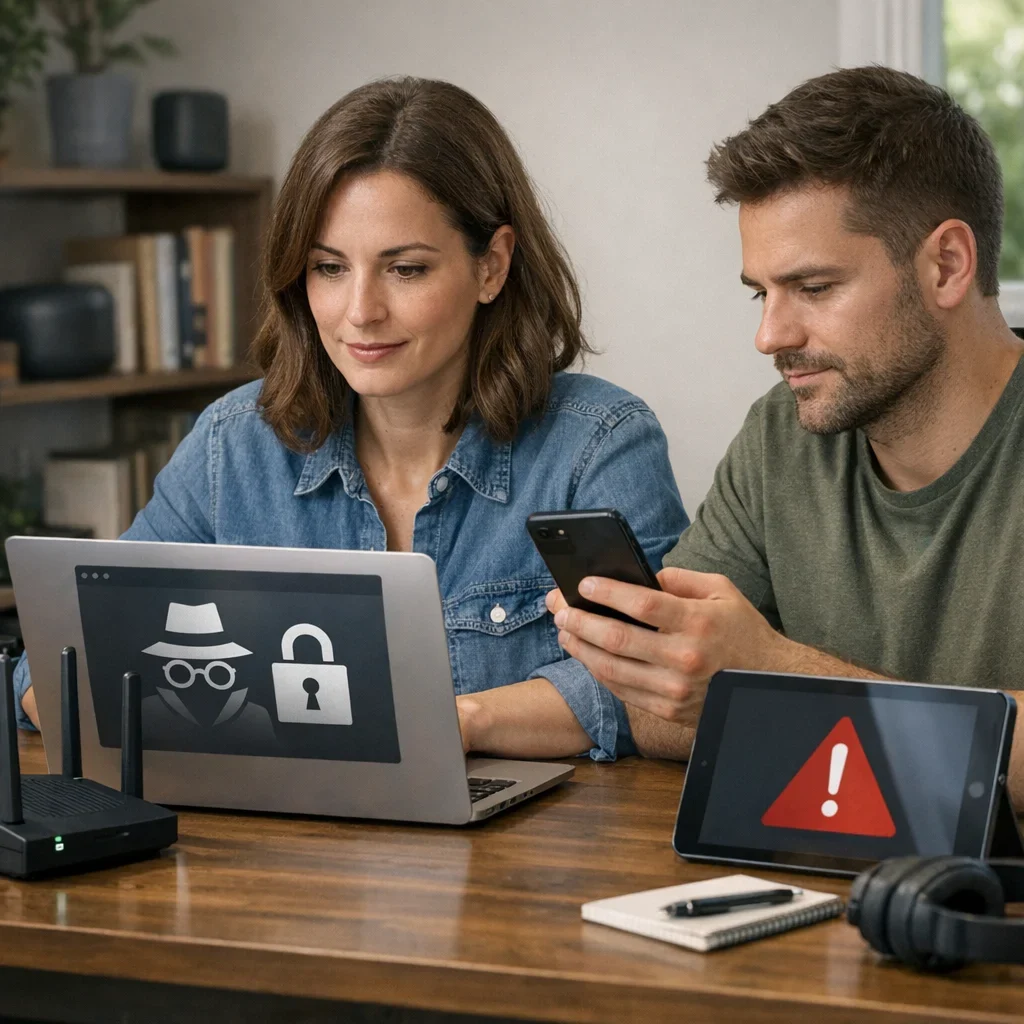
The incognito mode has become the best friend of many when they want to browse without leaving a trace. Whether at work, at home, or even from the gym, it seems we all seek that little refuge where our digital secrets are safe. However, not everything that glitters is gold, and there are several myths that need to be debunked about this browsing option. So, before you dive into browsing like there's no tomorrow, let's see what you can really expect from this feature.
What is Incognito Mode?
Incognito mode is a feature offered by most modern browsers that allows you to browse without saving your browsing history on the device. This means that when you close the incognito window, the websites visited and the cookies generated during that session disappear as if they never existed. Sounds great, right? But there's more than meets the eye.
What Incognito Mode Does
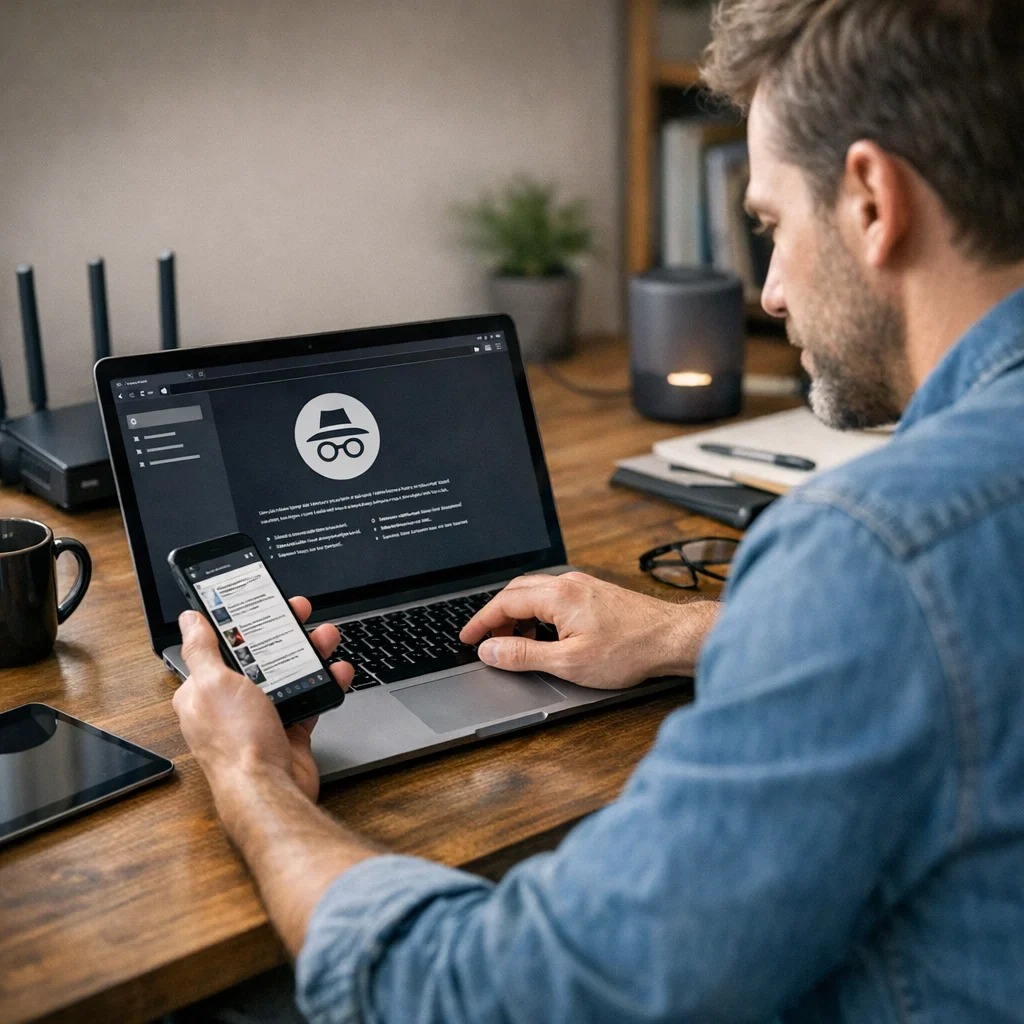
To clear up any doubts, here are some things that *do* happen in incognito mode:
- Does not save your history: When you close the window, there's no trace of the pages you've visited.
- Cookies are deleted: Cookies created during the session are erased when you close the window.
- Allows you to log into multiple accounts: You can access different accounts of the same service without conflicts.
- Prevents other users from seeing your activities: Ideal if you share the device with others.
What Incognito Mode Does NOT Do
Now, to avoid any misconceptions, here’s a list of what incognito mode *cannot* do for you:
- Does not hide your IP: Your internet provider and the sites you visit can still track your IP address.
- Does not protect against malware: You can still be vulnerable to viruses and other types of malware.
- Does not guarantee total anonymity: If you log into an account, that activity can be tracked.
- Is not a substitute for privacy tools: For truly private browsing, you'll need a VPN or similar tools.
Common Mistakes When Using Incognito Mode
Often, users fall into the trap of thinking that incognito mode is an impenetrable shield. Here are some common mistakes:
- Believing it is completely anonymous.
- Using incognito mode for shopping without considering payment security.
- Not closing the incognito window after use.
- Ignoring the browser's security settings.
Quick Tips for Effective Private Browsing
- Use a VPN to hide your IP.
- Always close the incognito window when finished.
- Avoid logging into personal accounts while using incognito mode.
- Check your browser's privacy settings.
| Item | What to Check | Red Flag | Action |
|---|---|---|---|
| Browser Settings | Ensure incognito mode is enabled | Cannot access incognito mode | Review options in settings |
| VPN | Make sure it is active | No connection | Connect to the VPN |
| Extensions | Check for extensions that track your activity | Active extensions in incognito mode | Disable unnecessary extensions |
| Browsing History | Verify that no data is saved | History visible upon closing | Review privacy settings |
Alternatives to Incognito Mode
While incognito mode has its advantages, it is not the only option for those seeking a bit more privacy. Here are some alternatives you should consider:
- VPN (Virtual Private Network): A VPN encrypts your internet connection, hiding your IP address and protecting your activity from prying eyes. It's like having a secret tunnel to travel through.
- Privacy-focused browsers: Browsers like Brave or Tor are specifically designed to protect your privacy. Brave blocks ads and trackers by default, while Tor allows you to browse anonymously.
- Browser extensions: Tools like uBlock Origin or Privacy Badger can help block trackers and ads, increasing your level of privacy without complications.
Quick Comparison of Options
| Option | Privacy | Ease of Use | Cost |
|---|---|---|---|
| Incognito Mode | Low | Very easy | Free |
| VPN | High | Moderate | Variable |
| Private Browser (Brave/Tor) | High | Moderate | Free |
| Privacy Extensions | Moderate | Easy | Free |
Tips to Improve Your Online Privacy
Beyond using incognito mode or alternatives, there are simple practices you can adopt to enhance your online privacy. Here are some recommendations:
- Review your privacy settings on social media: Ensure that only your friends can see your content. Sometimes, the default setting is more open than you'd like.
- Disable location tracking: Many apps and services request your location. Think twice before granting that permission.
- Use strong and unique passwords: A password manager can help keep your credentials safe and avoid using the same password across multiple sites.
- Be wary of public Wi-Fi networks: Connect to them only if absolutely necessary and, if possible, use a VPN to protect your data.
So now you know, while incognito mode may seem like a quick and easy solution, it is not the only path to more private browsing. Alternatives and good practices are your best allies in the digital world. Browse smart and without fear!
The Myth of "Safe Mode" in Browsing
If there's one thing that seems to be on many minds, it's the idea that incognito mode is some sort of "safe mode" for browsing. Let's debunk this once and for all: incognito mode is nothing more than a tool that hides your browsing history locally. And while that may sound appealing, don't be fooled. Here are some realities you should keep in mind:
- Not a shield against threats: While you may feel safer browsing without leaving a trace on your device, that doesn't mean you're protected from the dangers lurking on the web. Malware, phishing, and other attacks can still be lurking.
- Not a privacy certificate: If you think you can do whatever you want without consequences because you're in incognito mode, think again. Websites, advertisers, and, in many cases, your internet provider still have access to your movements.
- The trap of trust: By using incognito mode, some users feel invulnerable and tend to let their guard down. This can lead to clicking on dangerous links or sharing sensitive information without thinking.
Practical Example: Security in Browsing
Imagine you're browsing in incognito mode to search for information on a sensitive topic. You feel protected and decide to click on a link that looks interesting. Surprise! That link takes you to a site full of malware. Result? Your device could be compromised, all because you thought incognito mode kept you safe. Remember, online security requires more than just a click of a button.
The Importance of Digital Education
In a world where more and more aspects of our lives are moving into the digital realm, education on how to browse safely is crucial. Here are some recommendations to avoid falling into the "safe mode" trap:
- Stay informed about common threats: Knowing the most frequent dangers, such as phishing or ransomware, will help you recognize risky situations.
- Get trained in using security tools: It's not just about having antivirus software. Learn to use VPNs, ad blockers, and privacy extensions to enhance your security.
- Practice common sense: If a link seems too good to be true, it probably is. Stay alert and don't share sensitive information unless you're sure it's safe to do so.
Digital education is the best defense you can have in the online world. So, before you dive into browsing, make sure you have your tools and knowledge ready. Remember, incognito mode is not a panacea; it's just a tool. Use it wisely and complement your browsing with good security practices. Browse intelligently and don't be fooled by appearances!
FAQ about Incognito Mode
Can I browse completely anonymously using incognito mode?
No. While incognito mode hides your browsing history on the device, it does not protect your IP address or prevent websites from tracking you if you log in.
Is it safe to shop in incognito mode?
Using incognito mode does not guarantee total security in transactions. It is advisable to use a secure connection and, if possible, a VPN.
What about cookies in incognito mode?
Cookies generated during the session are deleted when you close the incognito window, but that doesn't mean they aren't created in the first place. Some sites may still track your activity using other techniques.
Does incognito mode protect my personal information?
No. Incognito mode does not protect your personal information. For greater security, consider using encryption tools and good online security practices.
Is incognito mode useful for sharing a device?
Yes, it can be useful so that other users do not see your activity. However, keep in mind that if you log into an account, your activity may be tracked.
In summary, incognito mode has its advantages, but it is not the magic solution that many believe. As we have seen in other guides from Berraquero.com on online security, it is always better to have a broader view of privacy on the internet. Browse wisely!
Published: 11/05/2026. Content reviewed using experience, authority and trustworthiness criteria (E-E-A-T).
This article may have used artificial intelligence tools to support structure, editing, translation or review. Editorial responsibility and final review remain with Toni Berraquero. View AI policy

You can support the project or share this article in one click. At least this block does something useful.