
Enhance Your Meeting Minutes with AI: A Practical Template
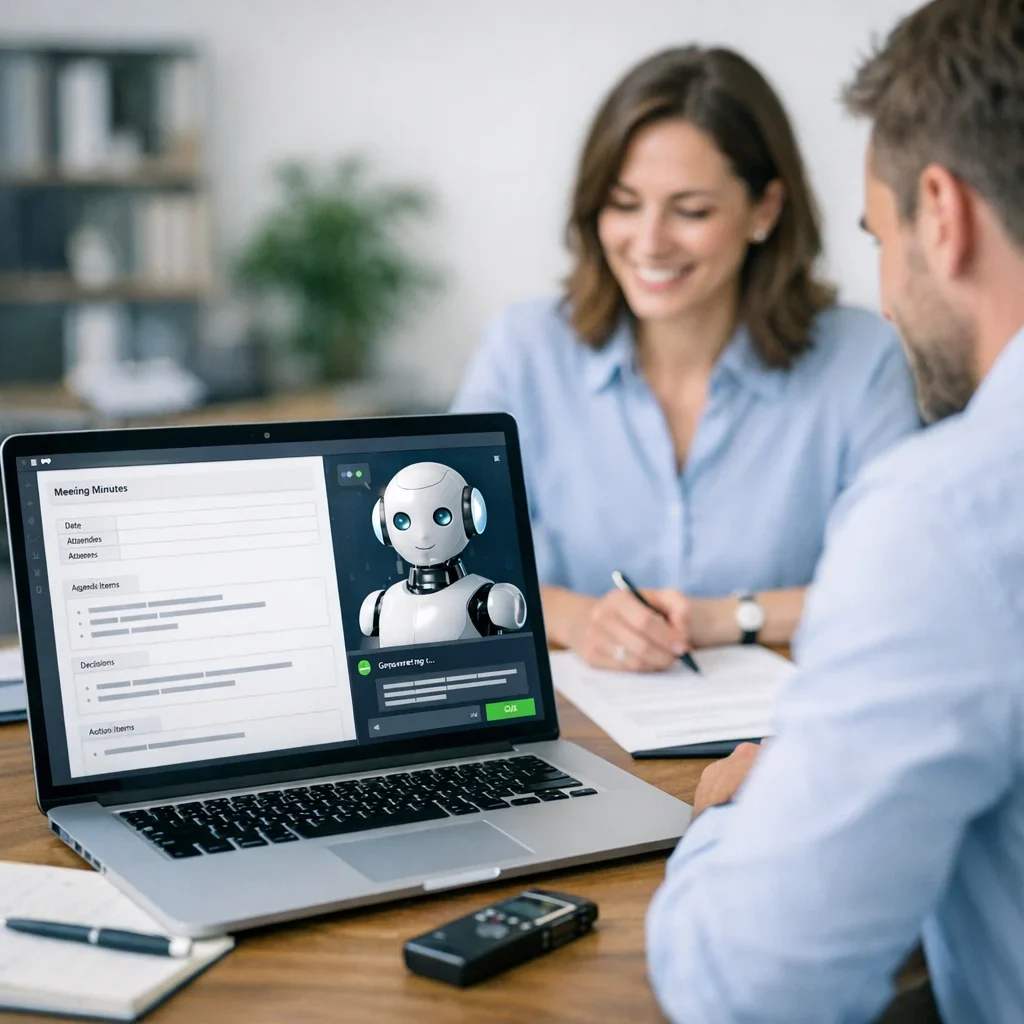
In the daily routine of an office, whether managing projects, tracking sales, or simply organizing a gathering with friends, having an AI meeting minutes template that serves its purpose without making you cringe is essential. How many times have you encountered minutes that seem straight out of a bad comedy script? Let's explore how artificial intelligence can help you draft minutes that are not only useful but also leave a positive impression.
Why Use AI for Writing Meeting Minutes?
Artificial intelligence has arrived to make our lives easier, and drafting minutes is no exception. Using AI for this purpose has several advantages:
Support the project or tell me what topic to cover next.
- Time-saving: You won’t have to spend hours trying to recall what was said in the meeting.
- Consistency: AI can ensure that the format and style are uniform across all your documents.
- Fewer errors: With algorithms designed to detect mistakes, it’s less likely that you’ll miss important details.
How AI Works in Drafting Meeting Minutes
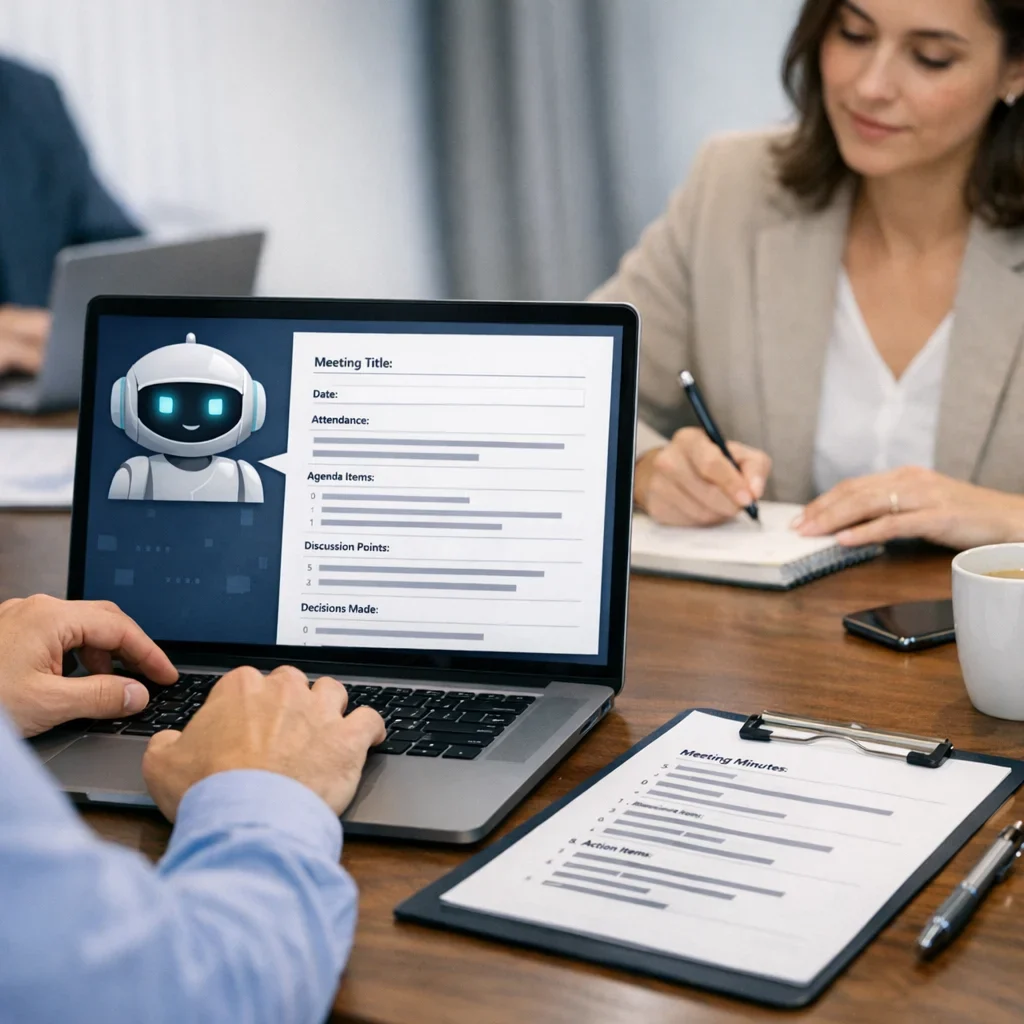
Artificial intelligence uses natural language processing algorithms to analyze the content of meetings and generate minutes that accurately reflect what was discussed. This means you can take notes while speaking and let the AI do the heavy lifting. But how does this translate into a practical format? Here’s a basic template you can adapt to your needs.
Basic Meeting Minutes Template
- Date and Time: [Date and time of the meeting]
- Attendees: [List of attendees]
- Meeting Topic: [Main topic]
- Discussion: [Key points discussed]
- Actions to Follow: [Responsible parties and deadlines]
Common Mistakes When Writing Meeting Minutes
- Not recording the date and time: It seems obvious, but it’s a common mistake.
- Forgetting attendees: Who was there and who wasn’t? This can be crucial.
- Lack of clarity: Using jargon or complicated terms can lead to misunderstandings.
- Not highlighting actions: Decisions get lost if they aren’t recorded properly.
Quick Tips for Writing Effective Meeting Minutes
- Use bullet points: This makes it easier to read and follow the discussed points.
- Prioritize information: Place the most important information at the beginning.
- Review and edit: Don’t just send the first draft; there’s always room for improvement.
- Make it accessible: Ensure everyone has access to the minutes after the meeting.
| Element | What to Check | Red Flag | Action |
|---|---|---|---|
| Date and Time | Ensure it is correct and up-to-date | Discrepancies in the calendar | Confirm with all attendees |
| Attendee List | Make sure everyone is mentioned | Key person is missing | Check with the moderator |
| Discussion Points | Clarity and accuracy | Inconsistencies in information | Review recordings or notes |
| Actions and Responsibilities | Clear assignment of tasks | Lack of names or dates | Reconfirm with responsible parties |
Maximizing Your AI Meeting Minutes
Artificial intelligence is not just about generating text; it’s about doing it in a way that truly serves you. Here are some tricks to make your minutes not just another document, but a useful tool you can leverage in your projects.
1. Personalize the Language
AI can generate text in a very formal tone, but you’re not a robot. Make sure to adjust the language to reflect your team’s culture. If your office uses inside jokes or a more relaxed tone, incorporate them! This will make the minutes more enjoyable and easier to read.
2. Add Context
Minutes don’t have to be just a list of “this was said” and “this was decided.” Adding a couple of sentences that explain the context of discussions can be very helpful. For example:
- Instead of: "The budget was discussed."
- Better: "During the meeting, the assigned budget for the new project was reviewed due to concerns about excessive spending in the initial phases."
3. Use Graphics and Diagrams
While you can’t insert images in this block, don’t forget that some AI tools allow you to generate simple graphics. A bar chart showing project progress or a flowchart illustrating the steps to follow can make your minutes much more understandable.
4. Include an Executive Summary
At the end of the minutes, add a brief summary that highlights the key points. This will be useful for those who don’t have time to read the entire document. A suggested format could be:
- Key Decision: [Summary of the decision]
- Next Steps: [Actions to follow]
- Responsible Parties: [Names of responsible parties]
Practical Examples of Effective Minutes
Let’s look at some examples of how a well-written set of minutes would look using the previous tips.
Example 1: Project Meeting Minutes
- Date and Time: October 15, 2023, 10:00 AM
- Attendees: Juan, María, Pedro, Ana
- Meeting Topic: Review of Project X Progress
- Discussion:
- Juan presented the project progress, highlighting that 70% of the schedule has been met.
- María raised the need to adjust the budget due to unforeseen issues in the development phase.
- Actions to Follow:
- Pedro will investigate additional financing options.
- Ana will review the expense projections and present a report in the next meeting.
Example 2: Sales Meeting Minutes
- Date and Time: October 16, 2023, 2:00 PM
- Attendees: Laura, Javier, Marta
- Meeting Topic: Strategies to Increase Q4 Sales
- Discussion:
- Laura proposed a social media marketing campaign targeting young audiences.
- Javier suggested offering volume discounts for repeat customers.
- Actions to Follow:
- Marta will create a campaign calendar and share it with the team.
- Laura will contact a digital marketing specialist to discuss the proposal.
At the end of the day, the goal is for your minutes to be more than just a formality; they should genuinely help your team move forward. With a little personalization and attention to detail, you can turn a simple document into a powerful tool. So, let’s get to work! Your next AI meeting minutes could be the best you’ve ever had.
Beyond the Template: Personalize Your AI Meeting Minutes
Once you have the basic meeting minutes template, it’s time to add a personal touch. It’s not just about filling in blanks; it’s about turning that document into something that truly serves your team. Here are some practical tips to ensure your minutes are not just a formality but a useful resource that everyone will want to refer to.
Use Resonant Language
If your team has a particular style, use it. Your minutes don’t need to sound like an audit report. If your meetings are casual, reflect that in the minutes! Here are a couple of examples of how to adjust the tone:
- Formal: "The implementation of new marketing strategies was discussed."
- Informal: "We talked about how to make our marketing strategy more appealing and fun."
Highlight the Important Points
The purpose of minutes is to serve as a reference. Therefore, it’s crucial to highlight key points. Use bold or colors to make the most important information stand out. For example:
- Key Decision: Increase the marketing budget by 20% for the next quarter.
- Action: Juan will prepare a detailed report for the next meeting.
Include a "Lessons Learned" Section
Meetings aren’t just for making decisions; they’re also learning opportunities. Consider adding a small section at the end of the minutes summarizing the lessons learned. This can help your team reflect and improve in future meetings. For example:
- Lesson: Underestimating the time needed to review the budget can lead to hasty decisions.
AI Meeting Minutes Example: A Practical Case
Let’s see an example of how minutes might look using these tips. Imagine you just had a meeting about planning an event. Here’s a model:
Meeting Minutes: Annual Event Planning
- Date and Time: October 20, 2023, 3:00 PM
- Attendees: Laura, Carlos, Marta, Juan
- Meeting Topic: Annual Event Planning
- Discussion:
- Laura proposed holding the event in the central park, which generated excitement among attendees.
- Carlos suggested including interactive activities to encourage participation.
- Marta emphasized the importance of having a clear budget from the start.
- Actions to Follow:
- Juan will research catering options and present a report in the next meeting.
- Laura will coordinate with the central park to reserve the space and confirm availability.
- Lessons Learned:
- The importance of planning activities that engage all attendees to increase interest and participation.
With a practical approach and a bit of personalization, your minutes can become documents that not only fulfill their purpose but also inspire your team. Remember, it’s not just about completing a formality; it’s about building a tool that helps everyone move forward. So go ahead, breathe life into your minutes and make them a reflection of your team!
Updated on 11/10/2025. Content verified with experience, authority, and trustworthiness criteria (E-E-A-T).
FAQ
What AI tools are recommended for writing meeting minutes?
There are several tools on the market that can help automate the drafting of minutes. Look for those that offer real-time transcription features and integrate with your existing systems, such as CRM or ERP. As we've seen in other Berraquero.com guides on productivity, choosing the right tool can make a difference.
Can I customize AI-generated minutes?
Absolutely! Most AI tools allow adjustments in format and content. Be sure to check the customization options so that the minutes fit your style and needs.
Is it necessary to review AI-generated minutes?
Yes, it’s always advisable. While AI can do an excellent job, it’s not infallible. Ensure that all information is accurate and that decisions made during the meeting are correctly reflected.
Can AI help improve productivity in meeting management?
Definitely. By reducing the time spent on drafting minutes and allowing for easier tracking of decisions and actions, AI can free up time for you to focus on what really matters: advancing your projects.
Where can I learn more about using AI in business productivity?
You can explore more articles on Berraquero.com about implementing technology to improve work efficiency. Also, for a broader view, check academic sources like Universia, which offer resources on innovation and technology in the business field.