
Enhance Your Wi-Fi Security: 7 Simple Router Settings to Change Today
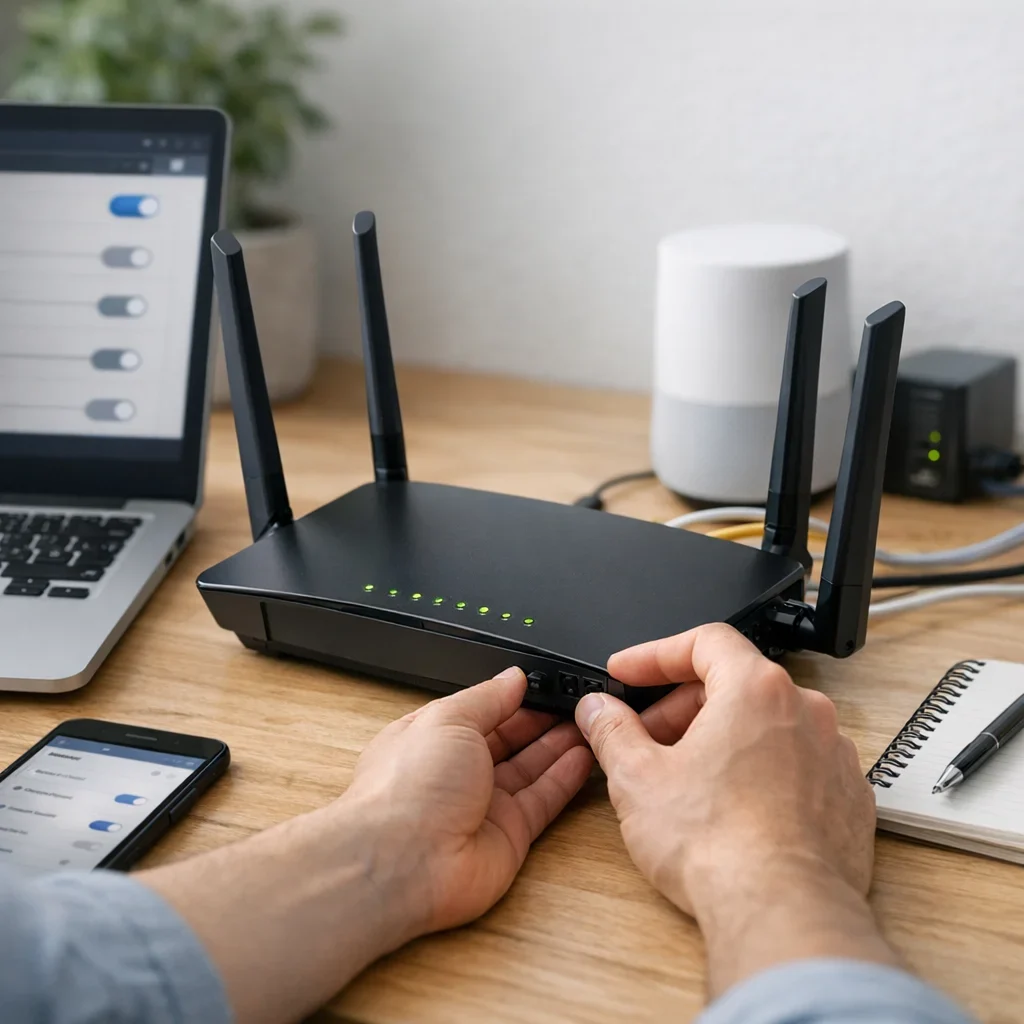
In Spain, where internet connectivity is as essential as morning coffee, wifi security is a necessity, not a luxury. With so many open networks, nosy neighbors, and lurking cyberattacks, properly configuring your router is the first step to avoiding headaches. You don’t need to be a hacker or spend hours wrestling with complicated menus: here are 7 simple adjustments you can make today to enhance the security of your home network without going crazy.
1. Change the default router password
Manufacturers keep it simple: your router comes with a default password that is often “admin” or “1234”. Do you really want to leave your house key under the doormat? Changing this password is crucial to prevent unauthorized access to your settings and potential chaos.
Support the project or tell me what topic to cover next.
- Access the admin panel: Usually at 192.168.1.1 or 192.168.0.1.
- Change the admin password to a strong one, using uppercase, lowercase, numbers, and symbols.
- Avoid using personal information or obvious words.
2. Update your router's firmware
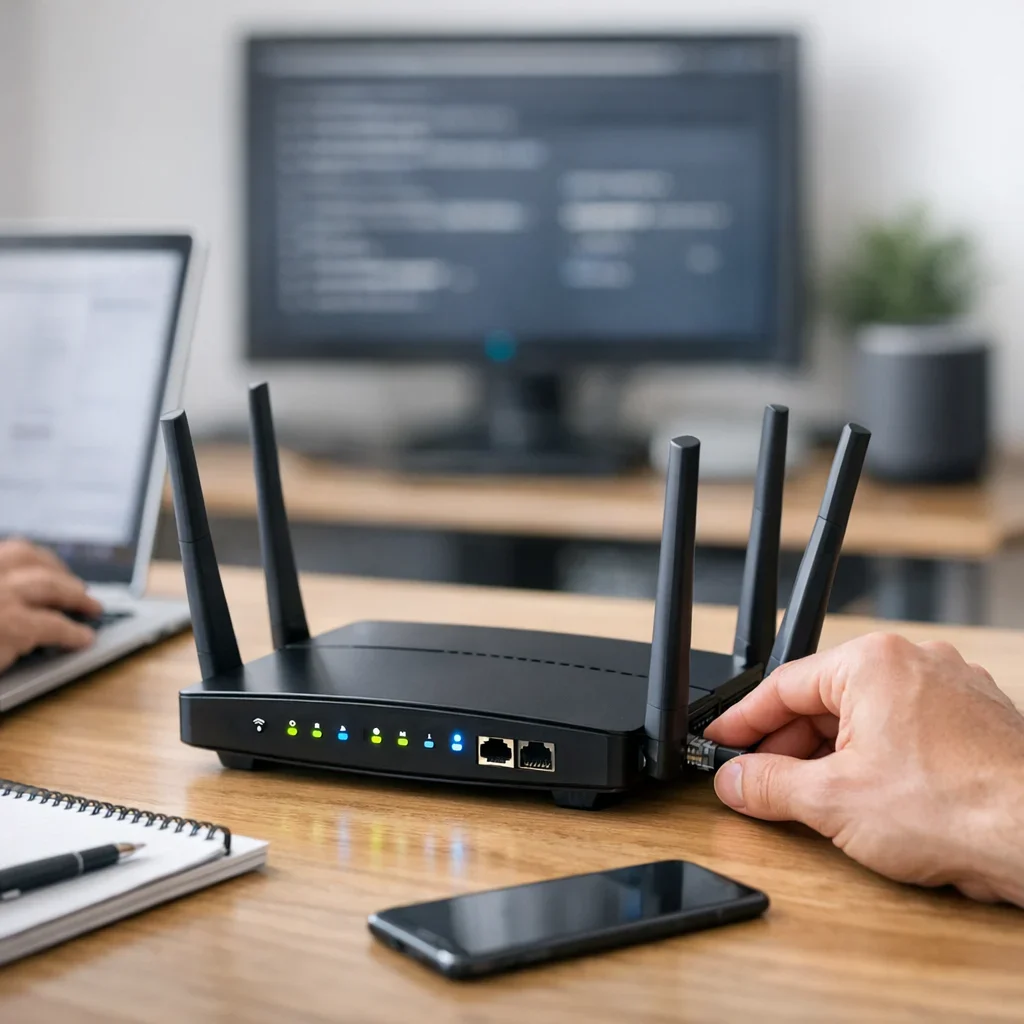
Manufacturers release updates to fix vulnerabilities. If your router is outdated, it’s like leaving the door open with a sign that says “Steal here”.
Check the settings page for available updates and apply them. If your router is very old and no longer receives support, consider replacing it.
3. Change your Wi-Fi network name (SSID) and hide it if desired
Forget those default names like “Movistar_1234” or “Router_5678” that make it easy for attackers. Use a personalized name that doesn’t reveal your address or personal information. And if you feel particularly paranoid, you can hide the SSID so your network doesn’t appear in the list of available networks, although this may complicate your devices' connections.
4. Use WPA3 encryption or at least WPA2
Wi-Fi security heavily depends on the type of encryption you use. Forget WEP, which is older than 80s tracksuits and more insecure than a password like “123456”.
Ensure your router is set to use WPA3, the most modern and secure standard. If your router doesn’t support it, choose WPA2. This setting is crucial for protecting your network from intruders.
5. Disable remote access to the router
Did you know many routers allow access to settings from outside your home? It sounds good, but it’s also risky if you don’t have complete control. Unless you know exactly what you’re doing and use secure methods, it’s better to disable this option so no one can access it from the internet.
6. Set up a guest network
You invite someone over, give them your Wi-Fi password, and unknowingly open the door to your devices and shared files. To avoid this, create a separate guest network. This way, they can browse without accessing your personal data.
7. Limit access by MAC address
Each device has a unique MAC address. You can configure the router to allow only devices with authorized MAC addresses to connect. It’s not foolproof or convenient if you have many devices, but it adds an extra barrier against intruders.
Common mistakes that compromise Wi-Fi security
- Leaving the default password: Facilitates automated attacks and unauthorized access.
- Using outdated encryption (WEP): Provides no protection and is vulnerable to basic attacks.
- Updating firmware only when issues arise: Updates often patch vulnerabilities, not just bugs.
- Not changing the SSID: Reveals information and facilitates targeted attacks.
- Sharing the password with too many people: Each additional user increases risk.
- Ignoring the guest network: Mixing trusted devices with visitors opens internal doors.
Quick tips to improve your Wi-Fi security without hassle
- Restart the router periodically: Clears connections and potential active attacks.
- Disable WPS: It’s convenient but has known vulnerabilities.
- Place the router in a central location: Prevents the signal from extending beyond your home.
- Disable DHCP if you have static IPs: Better control over who connects.
- Use long and complex passwords: The longer, the better.
- Check Berraquero.com for more guides on privacy and digital security to complement these adjustments.
Comparison table: Wi-Fi encryption protocols
| Protocol | Security Level | Compatibility | Recommended for |
|---|---|---|---|
| WEP | Low | Very high (old routers) | Avoid completely |
| WPA | Medium | High | Old devices without WPA2 option |
| WPA2 | High | High | General use in most networks |
| WPA3 | Very high | Medium (recent routers and devices) | Recommended for maximum security |
Updated on 11/10/2025. Content verified with experience, authority, and trustworthiness (E-E-A-T) criteria.
Frequently asked questions about Wi-Fi security
Why is it important to change the default router password?
Because these passwords are well-known and easy to find online. If you don’t change it, anyone within range of your network can access the admin panel and modify settings, steal data, or even block your connection.
What happens if I don’t update the router firmware?
You leave the door open to vulnerabilities that manufacturers fix with updates. Cybercriminals exploit these flaws to infiltrate networks and devices. Updating the firmware is a simple way to keep your network secure.
Can I use a public Wi-Fi network without risk?
Public networks are a nest of problems: they tend to be insecure, and anyone can intercept your data. If you must use them, do so with a VPN and avoid accessing sensitive information, like banking or personal emails.
Is it better to hide the SSID or change it to a custom one?
Changing the SSID to a custom one is more effective. Hiding the network can complicate connections without providing real security, as hidden networks are still detectable by attackers with basic tools.
Is limiting access by MAC address useful for improving security?
It’s an added measure that can help control who connects, but it’s not foolproof. MAC addresses can be spoofed, so it shouldn’t be the only security measure you implement.
For more tips and tricks, don’t forget to explore other guides from Berraquero.com on digital habits and online privacy. And remember, the National Cybersecurity Institute (INCIBE) is a reliable source to stay updated on digital security in Spain.