
Enhancing IT Support with AI: Streamlining Responses and Ticket Management

In a world where tech issues can arise at any moment, AI for IT support has become an essential ally. Imagine being in the middle of a crucial meeting when suddenly your computer decides to act up. This is where artificial intelligence can step in, streamlining ticket management, providing automated responses, and facilitating incident triage. But can AI really handle all of this without going haywire? Let's break down how it can help your IT support team become more efficient and less reliant on those afternoon coffee breaks.
What is AI for IT Support?
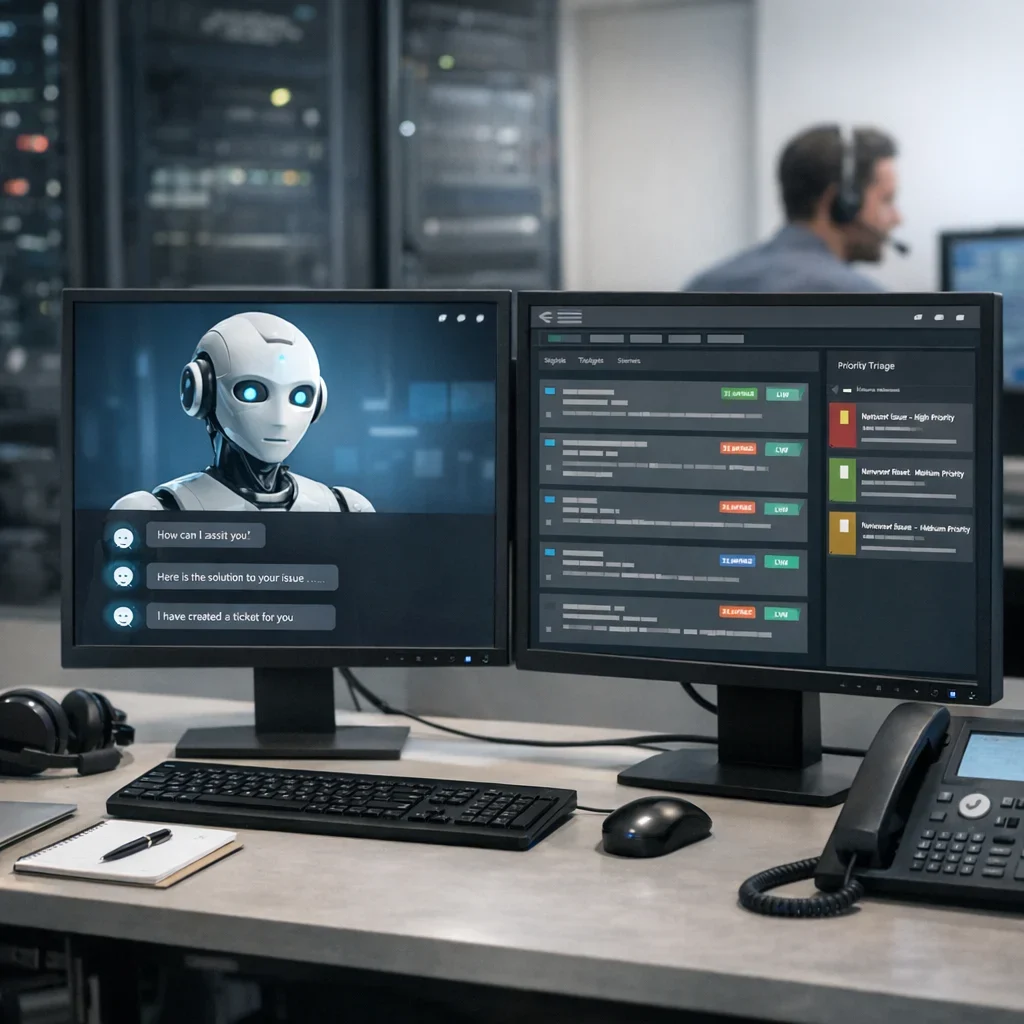
AI for IT support refers to the implementation of AI-based tools that enhance efficiency in managing tech incidents. From chatbots answering frequently asked questions to ticketing systems prioritizing issues based on severity, AI is revolutionizing how IT teams interact with users. Instead of wasting time on repetitive tasks, employees can focus on solving more complex and strategic problems.
Support the project or tell me what topic to cover next.
Benefits of Implementing AI in IT Support
- Reduced response time: AI can process requests and provide instant responses, meaning users don't have to wait endlessly.
- Better ticket prioritization: AI systems can analyze the urgency of each incident, ensuring that the most critical issues are addressed first.
- 24/7 availability: Chatbots are always ready to assist, even during those late-night hours when human support is asleep.
- Cost reduction: By automating repetitive tasks, companies can decrease the number of employees needed for basic support management.
How AI Triage Works
Triage is a key process in IT support that allows for classifying problems based on their severity. With AI, this process becomes more agile and accurate. Through machine learning, systems can identify patterns in support requests, helping to automatically categorize incidents into different groups.
For example, if a company receives numerous requests related to the same system failure, AI can recognize that pattern and escalate the incident to a higher level, alerting technicians to a potential widespread issue. This not only improves response speed but also allows for better resource management.
Common Mistakes When Implementing AI in IT Support
- Not clearly defining objectives: Without a clear goal, it's easy to lose direction and end up with ineffective implementation.
- Underestimating staff training: AI is not magic; employees need to understand how to interact with it.
- Ignoring user feedback: It's important to listen to users and adjust AI according to their needs and feedback.
- Lack of integration with existing systems: AI must work in harmony with current tools to be truly effective.
Quick Tips for Implementing AI in IT Support
- Set clear and measurable goals before starting.
- Invest in training for your team on how to use AI tools.
- Conduct pilot tests to refine your approach before full implementation.
- Request user feedback to continuously improve the system.
- Maintain constant communication between support and development to adjust AI as needed.
| Functionality | AI | Human Support |
|---|---|---|
| Availability | 24/7 | Business hours |
| Response Time | Immediate | Variable |
| Ticket Handling Capacity | High, with automatic prioritization | Low, depends on workload |
| User Interaction | Automated, limited to previous data | Personalized, tailored to each user |
Updated on 11/10/2025. Content verified with experience, authority, and trustworthiness criteria (E-E-A-T).
FAQ
Can AI solve all IT support problems?
No, while AI can assist with many tasks, it is not perfect. It should be seen as a tool that complements humans, not a replacement. There are complex issues that require the intervention of a qualified technician.
What types of incidents can AI manage?
AI is ideal for handling common and repetitive incidents, such as password resets, frequently asked questions about software, and minor hardware issues. On the other hand, more complex problems requiring in-depth analysis should be managed by human personnel.
Is implementing AI for IT support expensive?
The initial investment can be significant, but in the long run, savings in time and resources can offset the costs. Additionally, improvements in user satisfaction can lead to increased customer retention.
What AI tools are recommended for IT support?
There are several tools on the market, but it's crucial to choose those that integrate well with your existing systems. Some examples include chatbots for customer service and ticket management systems that use AI to prioritize and classify incidents. As we've seen in other Berraquero.com guides on automation, prior research is key.
Can AI learn from past interactions?
Yes, one of the great advantages of AI is its learning capability. Through machine learning, AI can analyze past interactions and improve its response ability over time, adapting to the changing needs of the business.