
Account Recovery: Essential Steps to Prepare Before an Emergency
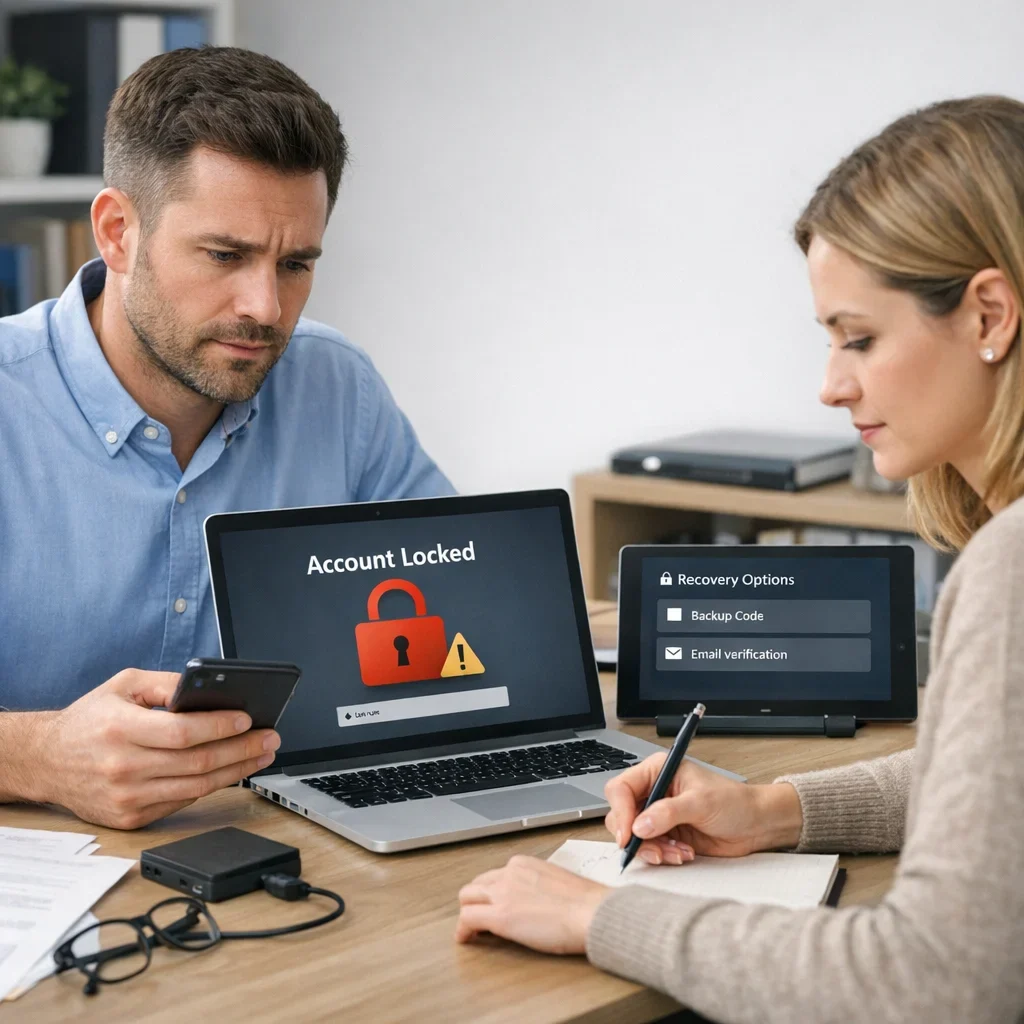
Imagine coming home after a long day at work and realizing you can't remember your email password. Or worse, you receive a message that your account has been hacked. Account recovery can turn into an odyssey if you haven't taken the necessary precautions. In this article, we'll ensure you're one step ahead so that, in case of an emergency, you're not caught off guard.
Why is Account Recovery So Important?
You can support the project by sharing this article or saving it for later.
The digital life is like a maze: no matter how hard you try to memorize the path, there are always unexpected turns. Email accounts, social media, and work platforms are the threads that connect our online lives. Losing access to any of them can leave you in a digital limbo, unable to access crucial information or even sensitive private data. Prepare for the worst and avoid becoming a victim of misinformation or stress.
Common Mistakes in Account Recovery
- Not having a recovery phone number: Many users overlook this option and find themselves trapped in an authentication loop.
- Using unreliable security questions: “What is your favorite animal?” can be easy to guess.
- Not updating recovery information: If you change your number or email, make sure to update it.
- Ignoring security alerts: Notifications about unauthorized access attempts are more than just a warning; they are a wake-up call.
- Creating overly simple passwords: “123456” is not an option, no matter how easy it seems to remember.
Account Recovery Checklist
| Item | What to Check | Red Flag | Action |
|---|---|---|---|
| Recovery Phone Number | Verify that it is up to date. | You don't have access to the number or don't remember it. | Update your contact number in account settings. |
| Security Questions | Ensure they are answers only you know. | Answers that could be guessed by others. | Change the questions and respond with unique information. |
| Recovery Email | Check that your alternate email is accessible. | You don't remember the password or don't have access. | Recover access or update the recovery email. |
| Two-Step Verification | Enable this option if you haven't done so already. | The option is disabled. | Set up two-step verification for added security. |
| Password | Use a password manager to keep it secure. | You use the same password across multiple accounts. | Change your passwords and use a manager to remember them. |
Quick Tips for Effective Account Recovery
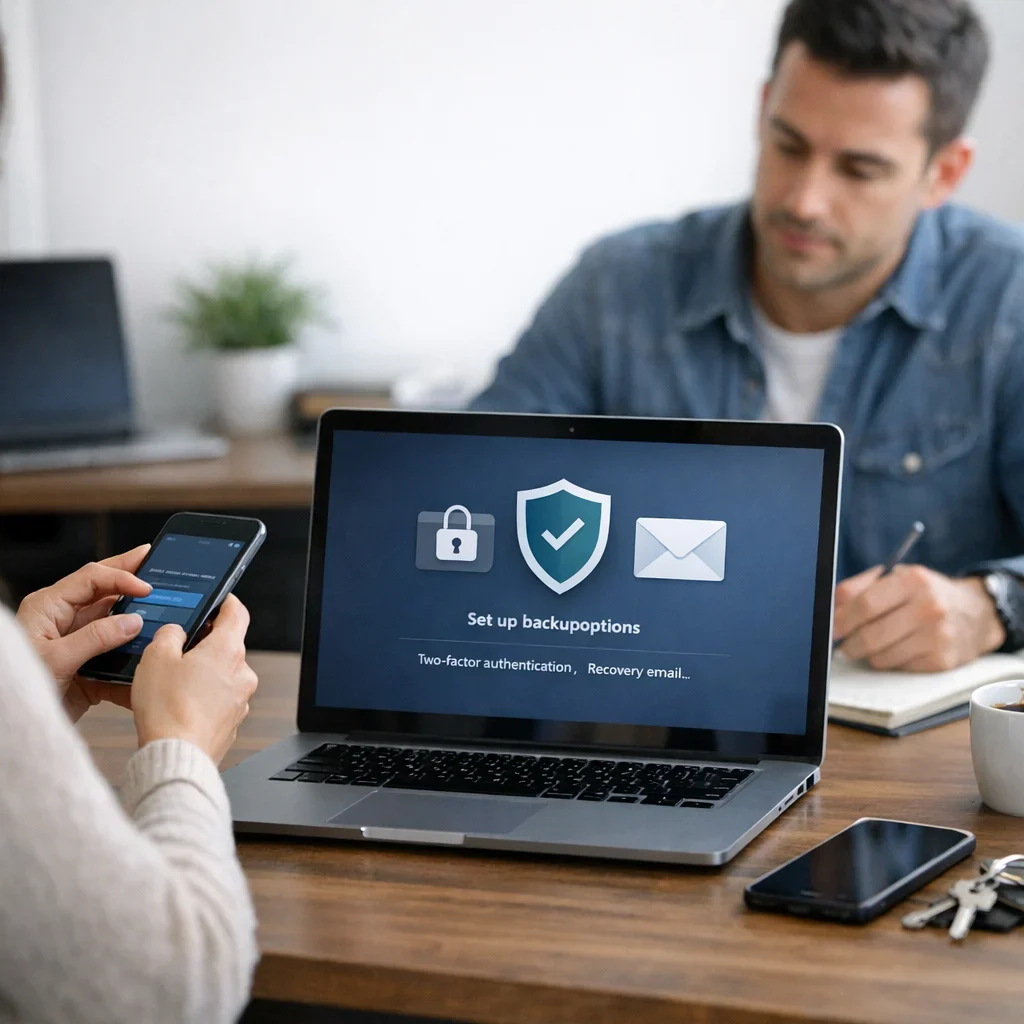
- Use two-factor authentication: Adding an extra layer of security is always a good idea.
- Regularly update your recovery information: Do this at least once a year.
- Create strong passwords: Use combinations of letters, numbers, and symbols.
- Keep a secure record: A password manager can be your best friend.
- Periodically review your accounts: It's wise to conduct a security cleanup.
Preparing Your Account for Disaster
If you think account recovery is just a task to do once a year, think again. It's more like going to the dentist: not fun, but ignoring it leads to pain when you least expect it. So, how about we review the steps you can take to ensure that when the moment of truth arrives, you're not caught with your pants down?
1. Establish an Action Plan
The digital life is unpredictable. Therefore, having a clear action plan is essential. Here’s a basic outline you can follow:
- Identify your critical accounts: Make a list of all the accounts you consider essential. This includes emails, social media, and work platforms.
- Define a recovery method: Decide how you will recover each account. Will you use a phone number? An alternate email? Security questions?
- Set a review schedule: Schedule periodic reviews, at least every six months. Check your list and ensure everything is up to date.
2. Cloud Security: An Ally or an Enemy
The cloud is a marvel, but it can also be a minefield if not managed properly. Here are some tips to make the cloud your friend instead of your enemy:
- Verify your provider's security: Ensure your cloud service provider has good security practices. Research their encryption and privacy policies.
- Use unique passwords: While it may be tempting to use the same password for everything, this is a big mistake. Create different passwords for each cloud service.
- Enable two-step authentication: If your provider allows it, don’t hesitate. This extra layer of security can save you from many problems.
What If It's Already Too Late?
If you've fallen into the trap and find yourself in the middle of a recovery process, take a deep breath. Here are some steps you can take to try to get out of the mess:
- Contact technical support: Don't underestimate the power of good support. Sometimes, platforms have specific procedures to help you regain access.
- Gather all necessary information: Have all the information you might need on hand: alternate emails, phone numbers, and any data that can help verify your identity.
- Act quickly: The longer you wait, the more complicated the process can become. If you suspect your account has been compromised, don’t delay.
Practical Example of Recovery
Imagine your email account has been hacked. Here’s a mini action plan:
- Try to recover the password: Use the "Forgot my password" option and follow the steps provided.
- Access your alternate email: If you have an alternate email set up, check if you receive a link to reset your password.
- Contact support: If there's no way to recover access, look for the option to contact technical support directly.
- Review your recent activities: If you manage to regain access, check your account's recent activity to ensure there are no unauthorized changes.
The Importance of Continuous Education
The digital world changes at a breakneck pace. Therefore, educating yourself about new threats and best security practices is essential. Here are some sources and resources you can consult:
- Cybersecurity blogs: There are numerous blogs that offer updated information on the latest threats and how to protect yourself.
- Webinars and online courses: Many platforms offer free courses on digital security. Take advantage of these opportunities to learn more.
- Forums and communities: Participating in discussion forums can provide you with valuable information and advice from other users who have gone through similar situations.
In summary, account recovery is not just a task to perform when a problem arises. It is an ongoing process that requires attention and proactive action. So stop procrastinating and start implementing these tips. Your future self will thank you when you don't have to deal with a digital disaster. And remember, prevention is always easier than cure.
Updated on 10/11/2025. Content verified with experience, authority, and trustworthiness criteria (E-E-A-T).
FAQ about Account Recovery
What should I do if I can't access my recovery email?
First, try using the recovery options provided by the service, such as security questions or identity verification. If all else fails, contact the platform's technical support.
Is it safe to use a password manager?
Yes, as long as you choose a trusted one and use two-step authentication. A password manager can protect you from brute force attacks and make managing your credentials easier.
What should I do if I suspect my account has been hacked?
Act quickly: change your password immediately, review your account's recent activity, and notify the platform about the possible unauthorized access.
Is it advisable to store my passwords in a document?
It's not safe. If you decide to do so, ensure the document is encrypted and protected. The best option is to use a password manager that keeps your data secure.
How can I protect my social media account?
In addition to using strong passwords and two-step verification, review your privacy settings and limit who can see your personal information. Always stay alert for any suspicious activity.
In summary, account recovery doesn't have to be a headache if you prepare adequately. With these tips and checklist, you'll be one step closer to avoiding unpleasant surprises in your digital life. As we've seen in other guides from Berraquero.com on online security, prevention is key. Don't let a lapse cost you dearly!