
Essential Guide to Digital Hygiene and Password Security
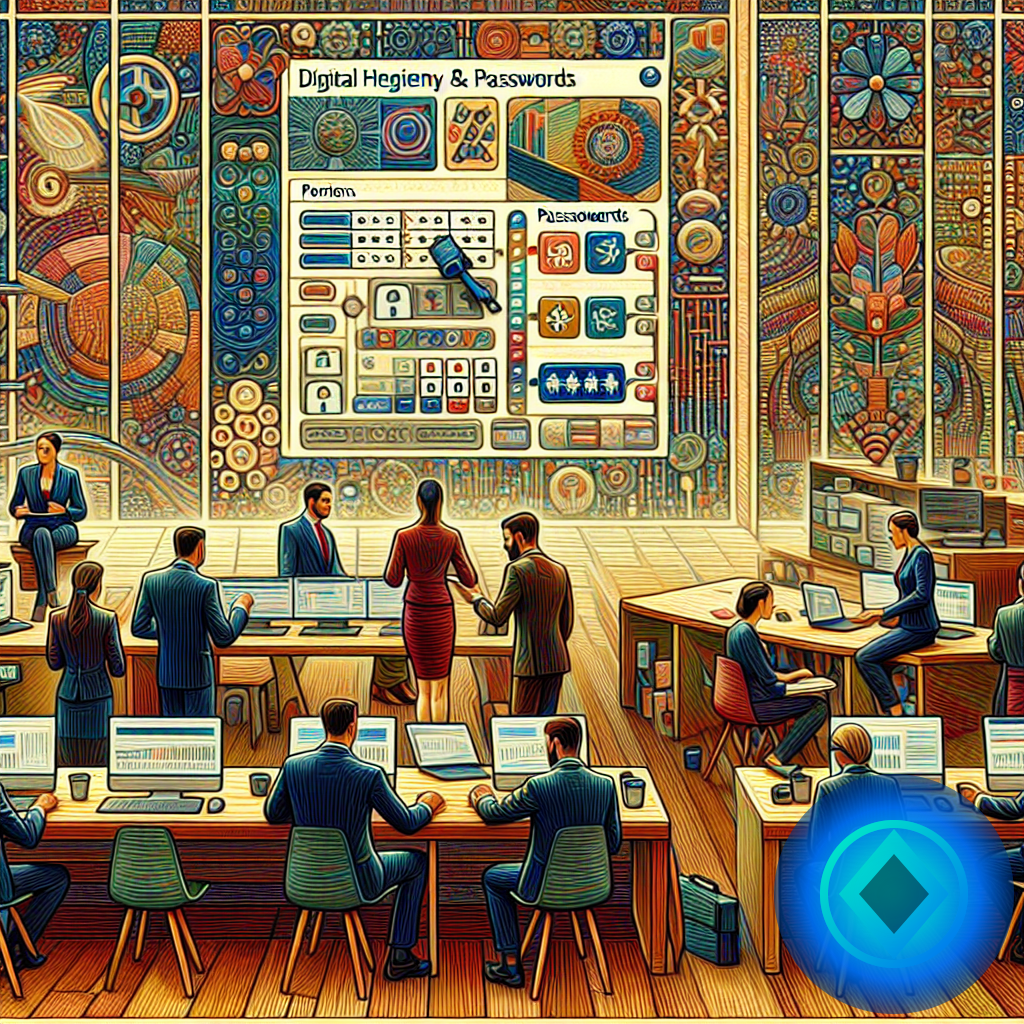
Essential Guide to Digital Hygiene and Password Security
Table of Contents
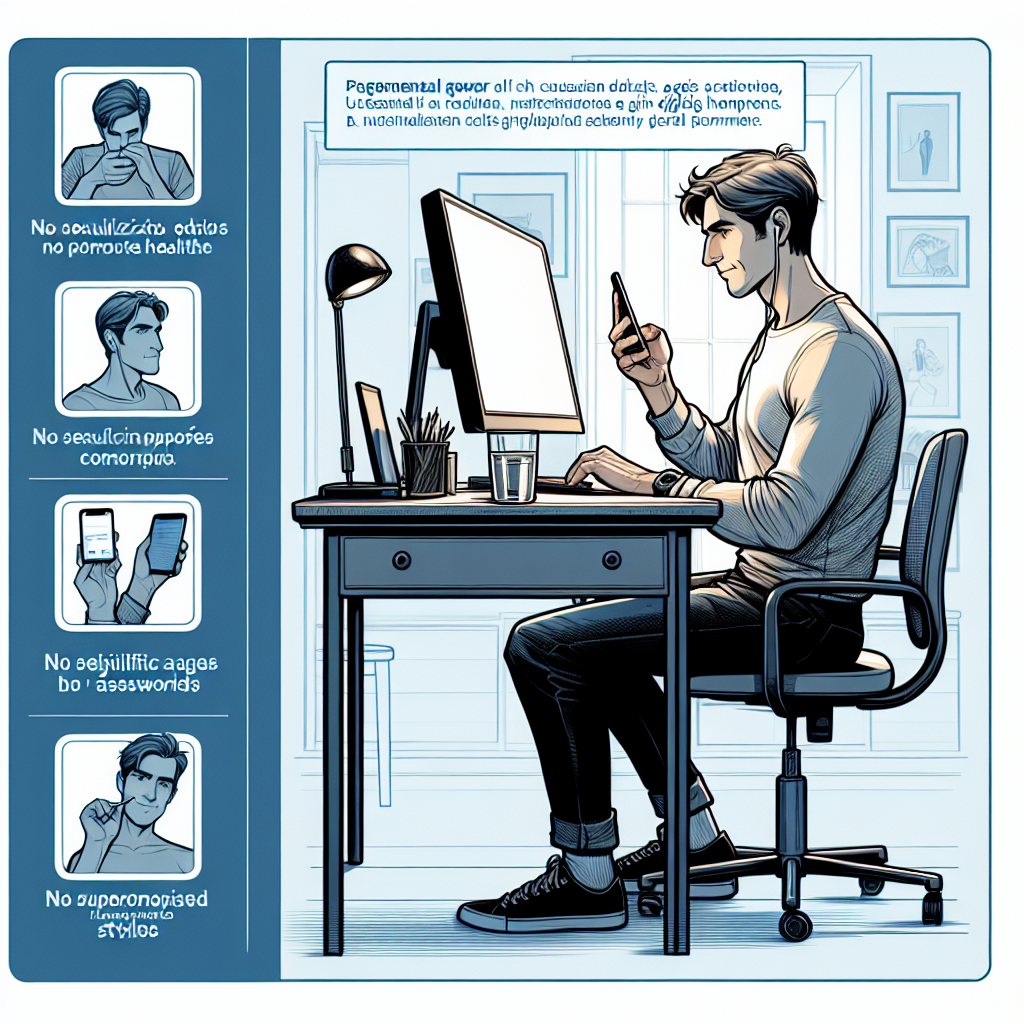
Common Mistakes
☕ If this helped you…
You can support the project by sharing this article or saving it for later.

- Using weak passwords: Simple passwords like "123456" or "abc123" are easy to guess.
- Reusing passwords: Using the same password for different accounts can be a major risk; if one is compromised, all will be.
- Not enabling two-factor authentication: This is an additional layer of security that many users ignore.
- Unaware of app privacy: Some apps request unnecessary permissions. Often, we share more information than needed.
- Not updating software: Updates often include essential security patches that protect against known vulnerabilities.
- Ignoring phishing signals: Sometimes, emails contain dangerous links or attachments. Failing to verify authenticity can be a fatal mistake.
- Not using secure networks: Connecting to public Wi-Fi networks without protection can expose your data to unnecessary risks.
Quick Tips

| Tip | Description |
|---|---|
| Create strong passwords | Use a combination of letters, numbers, and symbols. No less than 12 characters. |
| Use a password manager | These tools allow you to securely store and generate complex passwords. |
| Enable two-factor authentication | This adds an extra step to verify your identity when accessing your accounts. |
| Review app permissions | Ensure that apps only have access to necessary information. |
| Back up regularly | Backups will protect you in case of data loss or attacks. |
| Be wary of suspicious emails | Do not click on links from emails you weren't expecting; always verify the source. |
| Use secure networks | Avoid public Wi-Fi connections for sensitive operations. If necessary, use a VPN. |
Mini Case Study
Let's imagine Juan, a Spanish entrepreneur who manages his business from his laptop. Juan often shops online and manages his bank accounts digitally, but he hasn't paid attention to his digital hygiene. Let's see how he can improve his security. 1. Initial analysis: Juan uses the same password for his email, social media, and online banking. This is a major mistake. 2. Password change: He decides to create unique and strong passwords using a password manager. Now he has a unique combination for each service. 3. Two-factor authentication: Juan enables this option on all his important accounts, adding an extra layer of security. 4. Permission review: By checking the permissions of his apps, he realizes that several have access to his location and contacts unnecessarily. 5. Backups: Juan sets up an automatic backup system for both his personal documents and business data. 6. Continuous education: He enrolls in an online course on digital security to stay updated on the latest threats and protection techniques. 7. Periodic reviews: Every three months, he reviews the privacy settings of his accounts and makes adjustments if necessary. Outcome: Juan's security has significantly improved, and he now feels more at ease using the internet.Frequently Asked Questions (FAQ)
1. How do I know if my passwords are secure?Use online tools that assess the strength of your password. Remember, it should be unique, have at least 12 characters, and include letters, numbers, and symbols. 2. Is it enough to have just one complicated password?
No. It is essential to use unique passwords for each account and, if possible, enable two-factor authentication. 3. What should I do if I think my account has been hacked?
Immediately change your password and enable two-factor authentication. Additionally, review your accounts and look for suspicious activities. 4. Are password managers safe?
Yes, they are safe as long as you choose a reputable one and use it properly, keeping your master password secure. 5. How often should I change my passwords?
It is recommended to change passwords every 3 to 6 months, or immediately if you suspect any have been compromised.
Common Mistakes (Expanded)
In addition to the mistakes mentioned, there are some that often go unnoticed. For example, many users do not realize the importance of logging out on shared devices. Failing to do so can allow others to easily access their personal information. Another common mistake is ignoring privacy settings on social media, which can result in the exposure of sensitive information.Quick Tips (Expanded)
To facilitate the implementation of these recommendations, here are some additional tips: consider changing your passwords gradually, starting with the most critical accounts, such as banking. Also, stay informed about the latest security trends, as cybercriminals are constantly evolving. A simple change in your digital habits can protect you from imminent threats.Mini Case Study (Expanded)
Let's also consider Ana, a university student who frequently uses social media and shops online. Ana used to use simple passwords and had never changed any. After following Juan's steps, she not only improved her digital hygiene but also started recommending these habits to her peers. Thanks to her efforts, Ana not only protects herself but also helps create a safer environment for her social circle. In summary, taking care of our digital hygiene and password management is essential in the information age. With small changes in our habits, we can significantly improve our online security.External Authority Resource
🧠 Article reviewed by Toni Berraquero
Originally published on 2025-09-08. Content verified with experience, authority, and trustworthiness criteria (E-E-A-T).
Originally published on 2025-09-08. Content verified with experience, authority, and trustworthiness criteria (E-E-A-T).