
AI for Summarizing Long Emails: A 3-Step Method
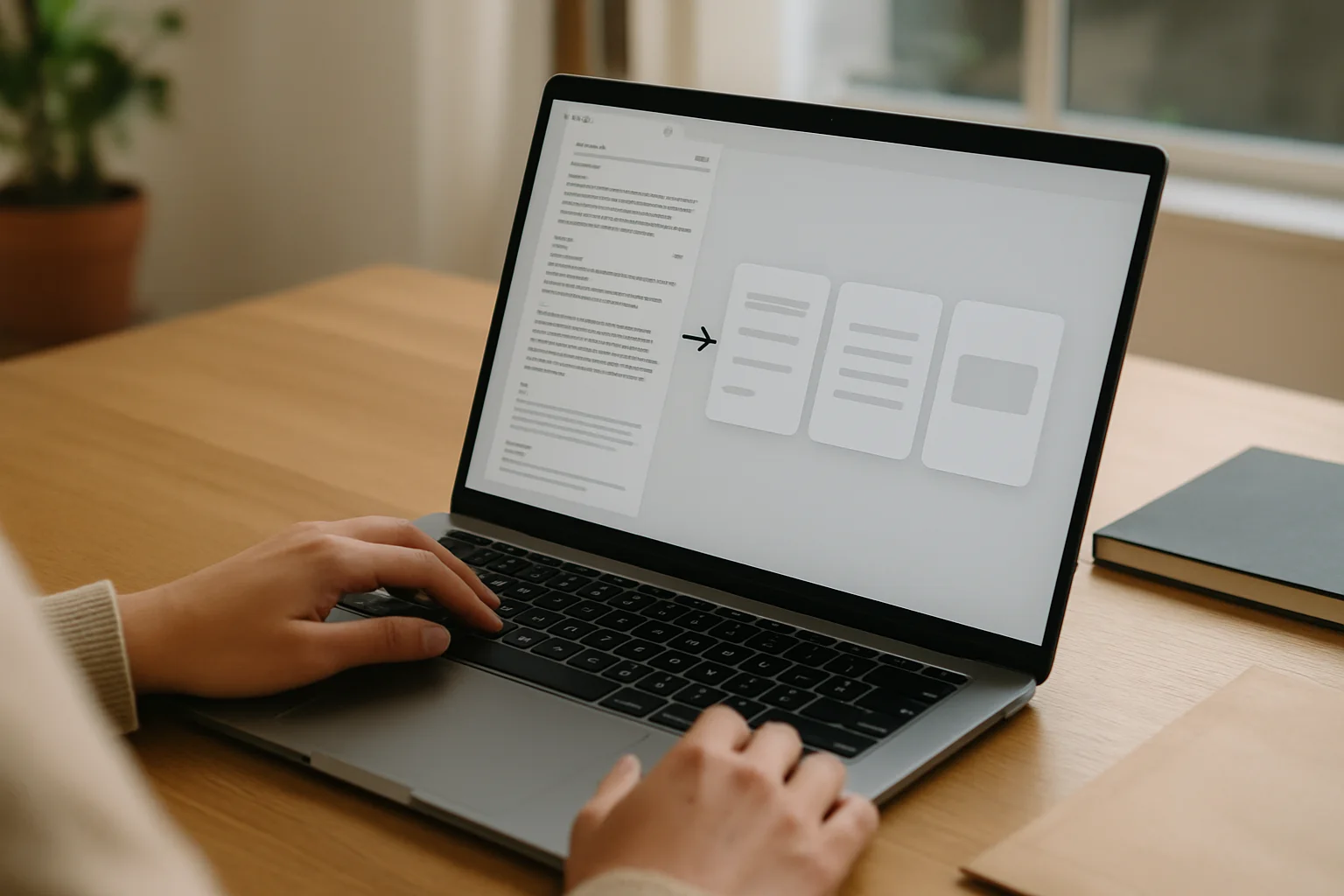
In the fast-paced business world of Spain, where emails come in like churros: one after another, and all seem equally long, AI for summarizing emails emerges as a lifesaver. No more wasting hours deciphering endless messages. With the help of artificial intelligence, you can get clear and concise summaries that allow you to focus on what really matters: growing your business. Here’s how to do it in three simple steps.
Step 1: Choose the Right Tool
The first step to summarizing long emails is to select the AI tool that best fits your needs. There are several options on the market, and some are more effective than others. Below is a comparative table of some of the most popular tools:
| Email Type | What to Ask the AI | What to Review Yourself | Recommended Use |
|---|---|---|---|
| Long thread with multiple replies | Chronological summary, decisions made, and pending issues. | Who said what and if any key messages are missing. | Good for catching up without reading twenty emails in a row. |
| Commercial or client email | Extract main request, urgency, necessary data, and suggested next response. | Commitments, prices, dates, and tone. | Useful as a draft, not as autopilot. |
| Technical or internal email | Separate problem, probable cause, proposed actions, and current blockages. | Technical details, attachments, and proper names. | Helps to sort through the noise before making decisions. |
Step 2: Set Up the Tool
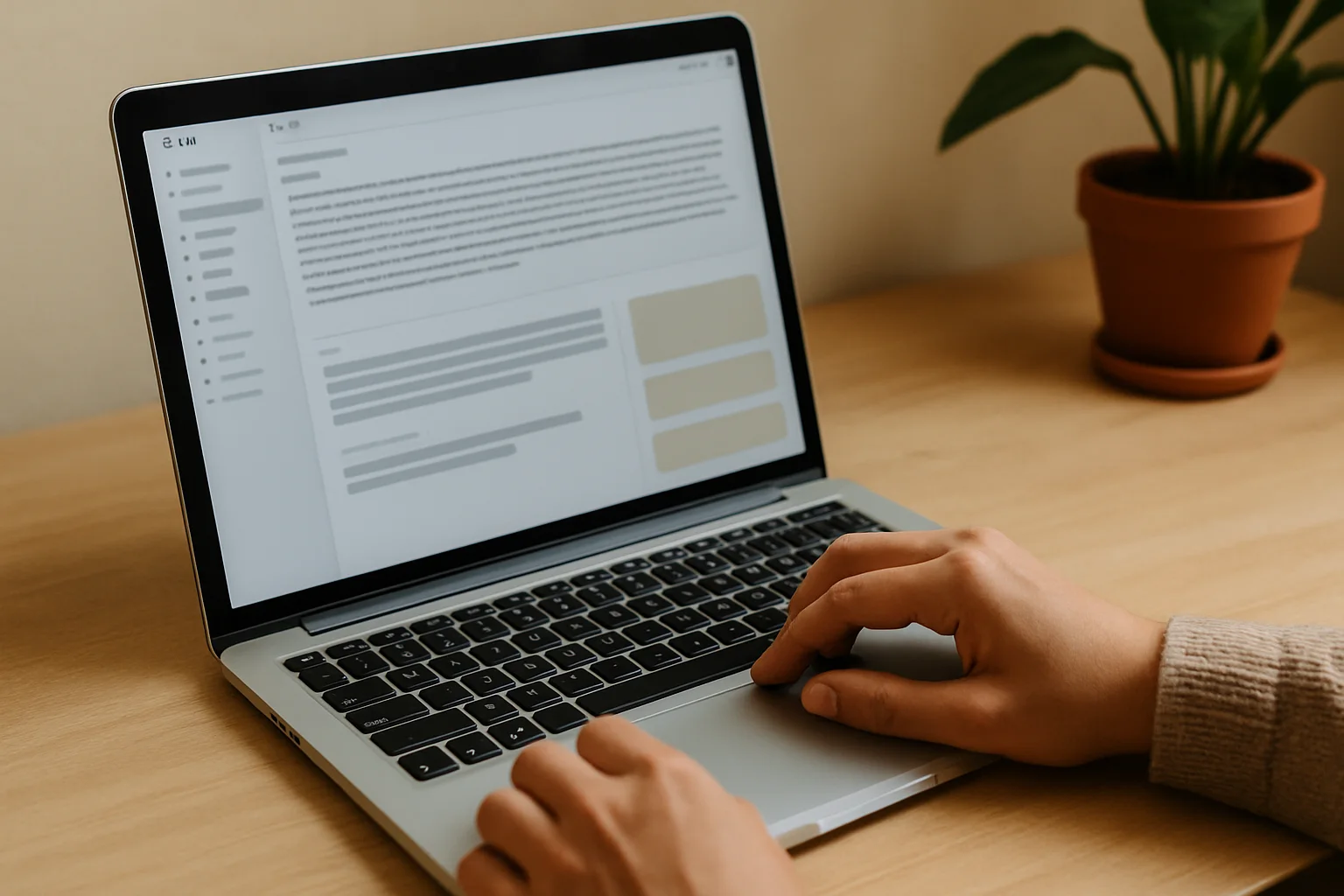
Once you’ve chosen your ideal tool, the next step is to configure it according to your preferences. This may include:
- Connecting your email account.
- Selecting the language and tone of the summaries.
- Customizing the level of detail you want in the summaries.
It’s important to take some time for this setup so that the tool works optimally, as mentioned in other Berraquero.com guides on business productivity.
Step 3: Use AI to Summarize Your Emails
Once the tool is set up, you can start using AI to summarize your emails. Simply copy the text from the email, paste it into the tool, and let it work its magic. Remember that some emails may require manual adjustments after the summary, so don’t rely on it completely. AI is helpful, but it’s not infallible.
Common Mistakes
- Not reviewing the summary before sending it to others.
- Choosing tools that don’t integrate well with your email manager.
- Ignoring preference settings, which can lead to inaccurate results.
- Blindly trusting AI without adding a personal touch when necessary.
Quick Tips
- Spend a few minutes reading the summary before using it.
- Try several tools to find the one that suits you best.
- Maintain a professional tone, even in automated summaries.
- If in doubt, consult articles on AI and productivity at Berraquero.com.

You can support the project or share this article in one click. At least this block does something useful.
Updated on 05/05/2026. Content reviewed using experience, authority and trustworthiness criteria (E-E-A-T).
This article may have used artificial intelligence tools to support structure, editing, translation or review. Editorial responsibility and final review remain with Toni Berraquero. View AI policy
FAQ
What types of emails can be summarized with AI?
AI can summarize practically any type of email, from long reports to project updates. However, more technical emails or those with specific jargon may require a human touch at the end.
Is it safe to use AI tools for my emails?
Generally, most AI tools are safe, but it’s always advisable to review privacy policies and ensure that the tool complies with data protection regulations, such as GDPR in Spain.
Can I use AI to summarize other documents besides emails?
Absolutely! Many AI tools allow you to summarize text documents, reports, and more, which can be a great help in managing your workload.
Can AI understand the context of my emails?
The most advanced tools have natural language processing capabilities that allow them to grasp context, but they are not infallible. It’s always advisable to review the result.
How much time can AI save when summarizing emails?
The time you save depends on the volume of emails you handle, but many users report a 30-50% reduction in time spent reading emails thanks to automated summaries.