
Automating Invoices with AI: Reading, Validation, and Archiving
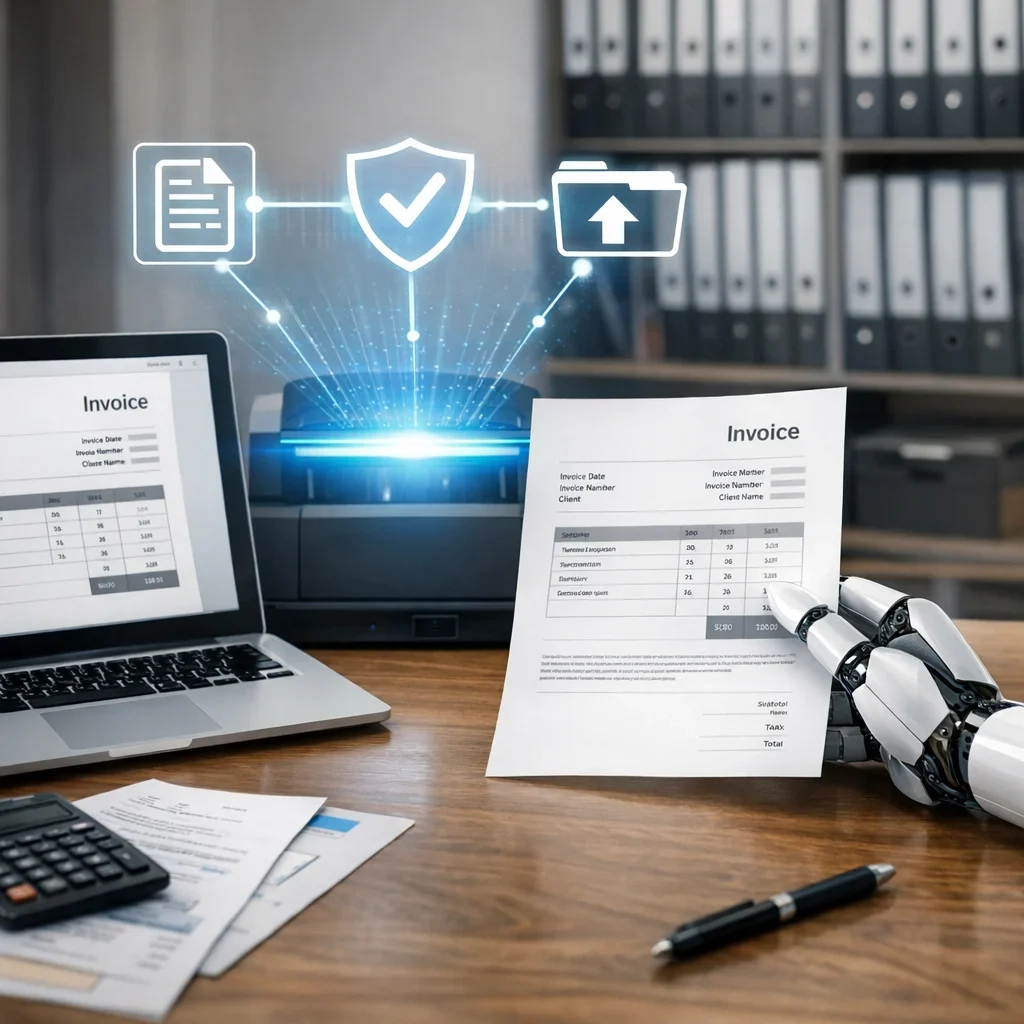
In the fast-paced business world of Spain, where every penny counts and time is precious, automating invoices with AI becomes an essential solution. Artificial intelligence offers tools that allow for the efficient management of a vast amount of documents, reducing errors and optimizing processes. In this article, we will show you how to implement this technology so that your invoices don't end up in a limbo of lost papers.
What is Invoice Automation with AI?
Invoice automation with artificial intelligence involves using software that can read, validate, and archive invoices autonomously. This process not only saves time but also minimizes the possibility of human errors. In Spain, where digitalization is advancing rapidly, many companies are already adopting these solutions to improve their productivity.
Benefits of Automating Invoices with AI
- Reduction of errors: AI can detect anomalies and errors more effectively than a human.
- Time savings: Processing invoices manually is slow; AI can do it in seconds.
- Improved traceability: Each invoice is digitally recorded, facilitating audits and inquiries.
- Reduced cost: Although the initial investment may seem high, the long-term savings are significant.
How Does Invoice Automation with AI Work?
Invoice automation generally follows these steps:
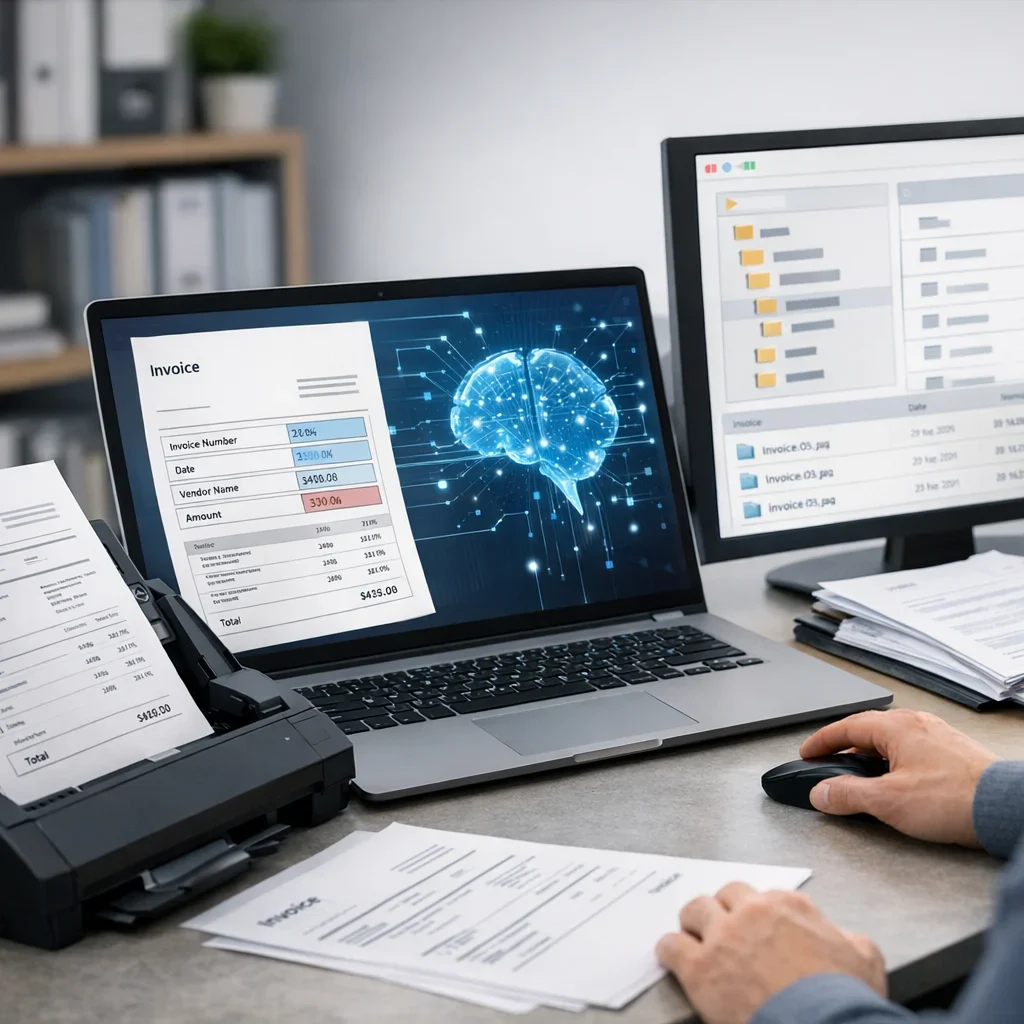
- Reading: AI uses optical character recognition (OCR) techniques to read the data from the invoice.
- Validation: The read data is checked against the existing information in the ERP or CRM system.
- Archiving: Once validated, the invoices are stored in a document management system.
Common Errors When Automating Invoices
- Not configuring the software correctly, leading to erroneous readings.
- Ignoring staff training, which is essential for a smooth transition.
- Underestimating the importance of keeping data updated.
- Selecting software that does not integrate well with existing systems.
Quick Tips for Proper Invoice Automation
- Make sure to choose software that offers effective technical support.
- Conduct system tests before fully implementing it.
- Train your team on how to use the new system.
- Regularly review configurations to optimize performance.
- Keep a regular backup of invoices and important data.
| Automation Software | Features | Monthly Price |
|---|---|---|
| Software A | Advanced OCR, ERP integration | €100 |
| Software B | Automatic validation, cloud archiving | €80 |
| Software C | Custom reports, 24/7 support | €120 |
FAQ about Invoice Automation with AI
Is it expensive to implement an invoice automation system?
The initial investment can be high, depending on the software and infrastructure you choose. However, the return on investment (ROI) is usually quick due to reduced errors and time savings.
What types of companies can benefit from invoice automation?
Any company that handles a significant volume of invoices can benefit. From small businesses to large corporations, all can improve their operational efficiency.
Is invoice automation secure?
Yes, as long as the chosen software meets security and data protection standards. Be sure to review the privacy policies and security measures offered by the provider.
Can AI learn from previous errors?
Yes, many automation systems use machine learning to improve their accuracy over time. The more the system is used, the more efficient it becomes.
How can automation affect employees?
Automation does not necessarily mean layoffs. In fact, it can free employees from repetitive tasks, allowing them to focus on more strategic and creative activities.
In summary, automating invoices with AI is a strategy that not only improves efficiency but can also transform the way companies manage their workflow. So, if you're still in doubt, stop procrastinating and take the leap into digitalization!
Published: 05/05/2026. Content reviewed using experience, authority and trustworthiness criteria (E-E-A-T).
This article may have used artificial intelligence tools to support structure, editing, translation or review. Editorial responsibility and final review remain with Toni Berraquero. View AI policy

You can support the project or share this article in one click. At least this block does something useful.