
Discover How Google's Virtual Try-On Tool for Shopping Expands, Allowing You to Try on Shoes from Home
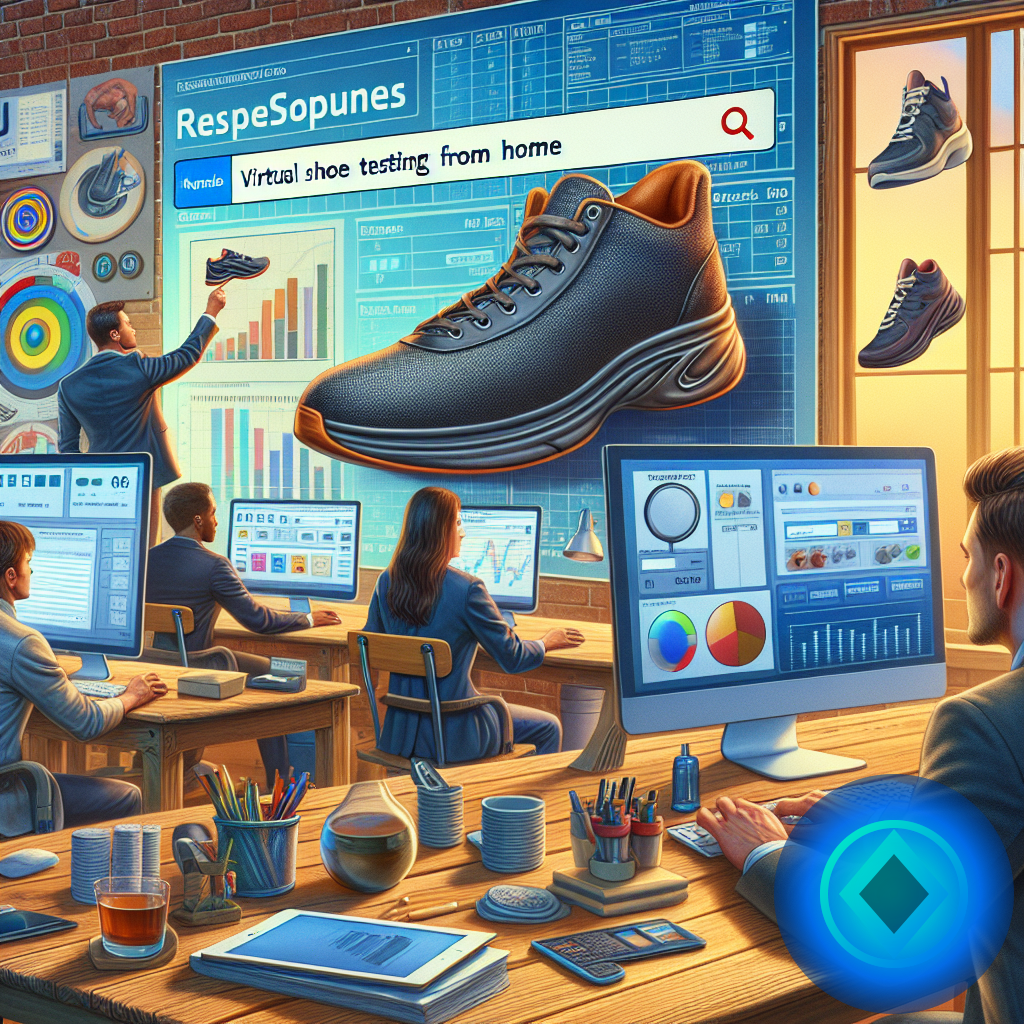
Virtual Shoe Try-On with Google Shopping: How It Works and Why to Use It from Home
Buying shoes online in Spain can be a challenge. The size, color, or fit don't always match your expectations. To avoid surprises, Google has expanded its virtual try-on tool in Shopping, which now allows you to try on shoes from home using your mobile camera. In this article, we explain how to make the most of it, common mistakes to avoid, and practical tips for confident shopping. [IMAGEN suggested: Person using their mobile camera to virtually try on shoes in a modern living room] ---What is the Virtual Shoe Try-On in Google Shopping?

Advantages of Trying on Shoes Virtually from Home
- **Time and Travel Savings**: You avoid going to multiple physical stores to try on models. - **Reduced Returns**: By seeing the shoe on your feet, the purchase is more secure and tailored to your tastes. - **Access to More Models**: You can try on shoes from different brands and styles without leaving your home. - **Convenience**: You do it from your sofa, without rush or queues. ---How to Use the Virtual Shoe Try-On in Google Shopping: Quick Guide
1. **Search for Shoes on Google**: Type “shoes” or a specific model and go to the Shopping tab. 2. **Filter the Results**: Select the shoes you are interested in. 3. **Activate the Virtual Try-On**: If the model has this option, you will see a button that says “Try in 3D” or “Virtual Try-On.” 4. **Allow Camera Access**: Google will ask for permission to use your device's camera. 5. **Try on the Shoes**: Place your feet in front of the camera and see how they look. Move your foot to view different angles. [IMAGEN suggested: Screenshot of Google Shopping showing the “Try in 3D” option on a shoe model] ---Comparison Table: Advantages and Limitations of the Virtual Shoe Try-On
| Aspect | Advantages | Limitations | |------------------------|-------------------------------------------------|-----------------------------------------------| | Visual Accuracy | Allows you to see the design and color on your feet | Does not guarantee a perfect fit or comfort | | Ease of Use | Quick and accessible from mobile or tablet | Requires good lighting and a front camera | | Availability | More models and brands are offering this feature | Not all shoes currently offer it | | Impact on Returns | Reduces returns due to incorrect choices | Does not eliminate the need to check sizes | | Interaction | You can rotate and move your foot for better visualization | Does not replace the complete physical experience | ---Common Mistakes When Using the Virtual Try-On and How to Avoid Them
- **Not Adjusting the Camera Properly**: Position your mobile at the right height and distance to clearly see your foot. - **Ignoring the Size Guide**: The virtual try-on shows the appearance, not the fit. Always check the brand's size chart. - **Using Poor Lighting**: A dark environment or shadows makes it difficult for the tool to work correctly. - **Not Trying Different Angles**: Move your foot to see how the shoe looks from various points. - **Relying Solely on the Image**: Read reviews and ratings to understand the real experience of other buyers. ---Quick Tips to Make the Most of Google Shopping's Virtual Try-On
- **Try with Thin Socks** if you usually wear them with the shoes. - **Do it in a Well-Lit Place**, preferably with natural light. - **Match the Try-On with the Clothes You Usually Wear** to see how the shoes fit your style. - **If the Shoe Has Heels, Try It Standing** to better appreciate the posture and effect. - **Update the App or Browser** to avoid technical issues. ---Frequently Asked Questions About the Virtual Shoe Try-On in Google Shopping
**Is it available for all shoes?** Not all models have this feature. It depends on the brand and seller. However, its use is rapidly growing. **Is it safe to use the camera to try on shoes?** Yes. Google only uses the camera to show you the shoe on your feet and does not store images or videos. **Can I try other types of clothing or accessories?** Currently, the feature is focused on footwear, although Google may expand the catalog in the future. **What should I do if the camera doesn’t show my feet well?** Make sure you have good lighting and that the camera is clean and well-focused. You can also try with another device. **Can I trust the try-on to choose the right size?** The virtual try-on helps with appearance, but always consult the size guide and reviews to ensure accuracy. ---Recommended Internal Links for Further Reading
- [How to Shop for Clothes Online Without Mistakes: Practical Guide](https://www.berraquero.com/guia-comprar-ropa-online) - [Digital Trends in Spain: The Future of E-commerce](https://www.berraquero.com/tendencias-digitales-ecommerce) ---Conclusion
The virtual shoe try-on in Google Shopping is a practical tool for those buying footwear online in Spain. It facilitates decision-making by showing how shoes look on your feet without leaving home, saving time and reducing returns. While it doesn’t fully replace the physical experience, it is a technological advancement that enhances digital shopping. If you want to buy shoes online with more confidence, don’t hesitate to try this feature. Always remember to combine it with checking sizes and reviews to hit the mark 100%. ---External Authority Resource
For more information on augmented reality and e-commerce, you can check this article from [Forbes](https://www.forbes.com/sites/forbestechcouncil/2023/05/15/how-augmented-reality-is-transforming-e-commerce/). --- [IMAGEN suggested: Close-up of a foot with a virtual shoe overlay, in a home setting with natural light] --- With this practical guide, buying shoes online in Spain will be easier and safer. Take advantage of technology to make the right choice on your next purchase.
Reviewed by Toni Berraquero
Published: 11/05/2026. Content reviewed using experience, authority and trustworthiness criteria (E-E-A-T).
Published: 11/05/2026. Content reviewed using experience, authority and trustworthiness criteria (E-E-A-T).
Responsible use of AI
This article may have used artificial intelligence tools to support structure, editing, translation or review. Editorial responsibility and final review remain with Toni Berraquero. View AI policy
This article may have used artificial intelligence tools to support structure, editing, translation or review. Editorial responsibility and final review remain with Toni Berraquero. View AI policy

☕ If this genuinely helped…
You can support the project or share this article in one click. At least this block does something useful.