
Mastering the 3-2-1 Backup Strategy for Everyone
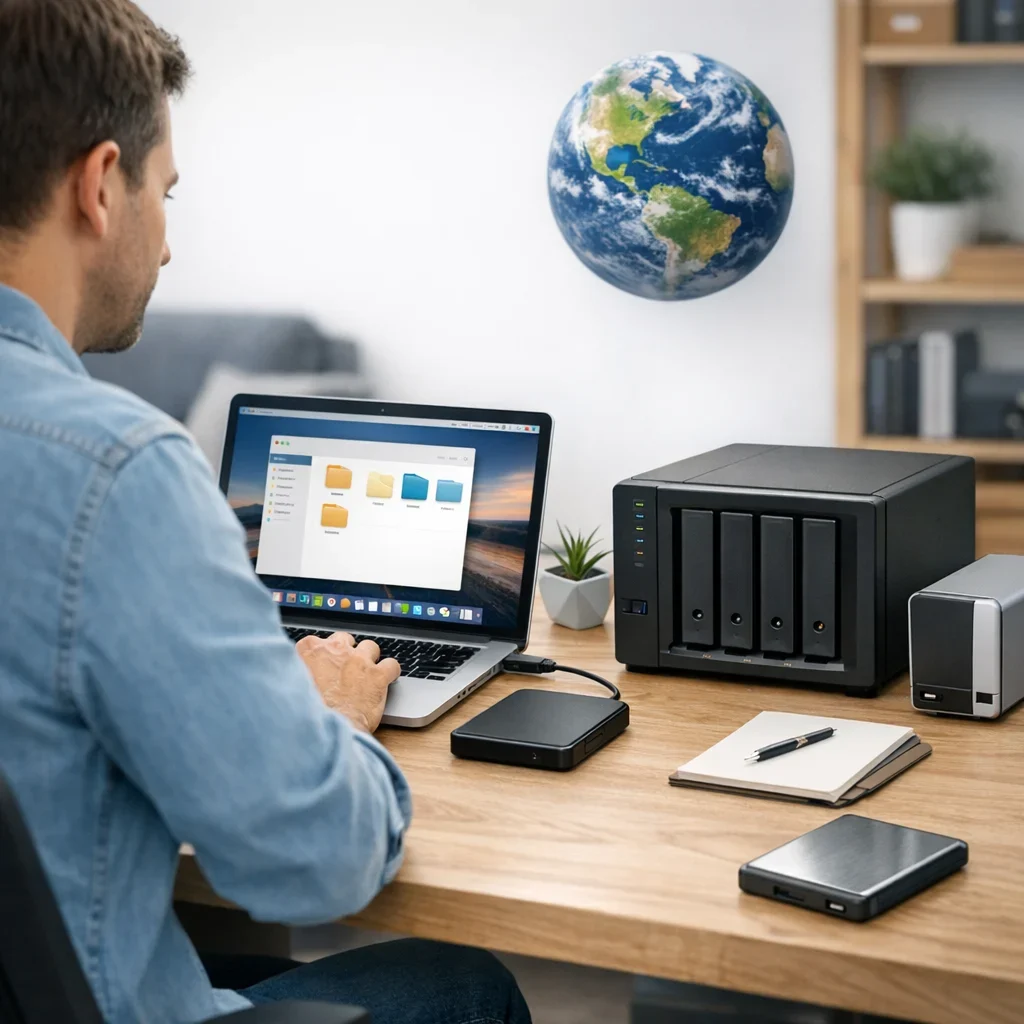
Imagine you're working on an important project and suddenly, your computer decides to act up. It shuts down, restarts, or worse, takes your files with it. To avoid such dramas, the 3-2-1 backup strategy is your best ally. This backup method isn't just for tech geeks; it's a simple and effective strategy that anyone can implement, whether at home, in the office, or while managing your online business.
What are 3-2-1 Backups?
The concept of 3-2-1 backups is quite simple and is based on three principles: you should have three copies of your data, stored on two different types of media, and at least one of those copies should be off-site. Sounds easy, right? Let's break it down a bit more.
The Three Copies
The idea is that if something goes wrong (and something always goes wrong), you have options. If one copy gets corrupted or lost, you still have two others to rely on.
Two Types of Storage
This refers to using different media to store your copies. For example, you might have one copy on your external hard drive and another in the cloud. That way, if one system fails, the other can save the day.
One Copy Off-Site
This is crucial. If your house floods or your office burns down, you would lose all your copies. So, the idea is to have at least one copy in a different location, like a cloud storage service or a hard drive kept at a friend's house.
Common Mistakes When Implementing 3-2-1 Backups

- Not Making Regular Backups: Life gets busy, and sometimes we forget to back up. Setting a schedule can help.
- Relying on Only One Type of Storage: Using just an external hard drive or just the cloud can be a mistake. Diversifying is recommended.
- Forgetting the Off-Site Copy: Not having a copy in a different location can be a major security flaw.
- Not Verifying the Copies: Making backups is only half the job; you need to ensure they can be restored.
Quick Tips for Effective 3-2-1 Backups
- Set a schedule for backups, such as weekly.
- Use a trusted cloud storage service for an external copy.
- Test your file recovery at least once a year.
- Consider using automated backup software to simplify the process.
- Keep your storage devices in good condition and updated.
How to Organize Your 3-2-1 Backups
Implementing this method doesn't have to be a headache. Here’s a basic outline you can follow:
| Type of Backup | Location | Recommended Frequency |
|---|---|---|
| Local Backup (external hard drive) | At home/office | Weekly |
| Cloud Backup | Online storage | Automatic (daily) |
| Physical Backup | Friend or family member's house | Monthly |
FAQ about 3-2-1 Backups
Can I use only cloud storage for my 3-2-1 backups?
Technically yes, but it's not advisable. The idea is to diversify storage. If you only use the cloud and lose access to your account, you're left with nothing. An external hard drive or USB is also a good option.
How often should I back up?
It depends on how much data you generate. If you work with important files daily, a daily backup is ideal. If you only use the computer for occasional tasks, once a week may be sufficient.
What type of cloud storage is best?
Look for a service that offers encryption and has a good reputation for security. It's also helpful if they have a file recovery option. For reference, you can check information about services at informatica.com.
What should I do if my backups are corrupted?
It's important to verify your backups. If you notice that a backup is corrupted, try restoring from the next copy. Keeping backups updated and checked is key to avoiding data loss.
Are 3-2-1 backups foolproof?
No, nothing is foolproof. But following this method will significantly reduce the risk of data loss. It's a security strategy that, if implemented correctly, can save you a lot of headaches.
How to Choose the Right Software for Your 3-2-1 Backups
Not all backup programs are created equal. Choosing the right one can make your life much easier (or a total mess). Here are some key points to help you avoid going crazy:
- Ease of Use: If the software seems like it requires a master's degree in engineering to operate, it's best to look for another option. Ideally, you should be able to set up your backups with just a few clicks.
- Automation Features: Look for programs that offer automatic backups. This way, you can forget about remembering to do it manually. There's enough stress in life without adding that to the list.
- Compatibility: Ensure the software is compatible with your devices and operating systems. You don't want your backup to turn into an impossible puzzle to solve.
- Technical Support: A good customer service can save you in times of crisis. Check that they offer assistance when you need it.
Examples of Backup Software
Here are some examples of software that meet these criteria. They are not the only options, but they are a good starting point:
| Software | Highlighted Features | Ideal for |
|---|---|---|
| EaseUS Todo Backup | Intuitive interface, automatic backups, easy file recovery. | Home users and small businesses. |
| Backblaze | Unlimited cloud storage, easy setup, continuous backups. | Users looking for simplicity and cloud storage. |
| Acronis True Image | Complete system backup, disk management, ransomware protection. | Advanced users and businesses needing extra security. |
The Importance of Planning Your 3-2-1 Backups
Implementing a 3-2-1 backup system isn't just about clicking "save." You need a plan. Here are some steps to make your strategy more effective:
- Assess Your Data: Before doing anything, take inventory of the data you need to back up. Not all files are equally important.
- Define Your Backup Frequency: Decide how often you need to back up. It's not the same for an office handling sensitive data as it is for someone who just stores vacation photos.
- Select Your Locations: Think carefully about where you will store your backups. The cloud is great, but don't forget about physical hard drives. And remember, keep them out of reach of fire or flooding!
- Document the Process: Write a small manual on how your 3-2-1 backup system works. It's always good to have it handy in case you ever have a memory lapse.
By following these steps, you will not only ensure your data is well protected, but you'll also avoid wasting time and energy in the future. And let's be honest, that's what we all want: less stress and more time to enjoy what really matters.
Common Mistakes That Ruin Your 3-2-1 Backups
If you've decided to implement the 3-2-1 system, congratulations! But be careful, because on the path to saving your data, some pitfalls may arise. Here’s a list of mistakes you might be making without realizing it:
- Ignoring Encryption: If you store your data in the cloud without encryption, it's like leaving your front door wide open. Hackers are lurking, so make sure your files are protected.
- Backing Up Only on One Device: If your only backup medium is an external hard drive, you're playing roulette. Use the cloud and a physical medium for greater security.
- Forgetting to Verify Backups: Making backups isn't enough; you need to check that they can be restored. Having a backup is pointless if you don't know if it works.
- Underestimating the Importance of Organization: If your files are disorganized, even the best 3-2-1 backup strategy will be chaos. Keep everything labeled and organized.
An Action Plan for Your 3-2-1 Backups
Now that you know the mistakes, it's time to set an action plan. Here’s a practical outline to ensure your backups are effective:
- Inventory Your Data: Before anything else, identify which files are critical. This will help you prioritize.
- Establish a Backup Calendar: Decide when and how often you will perform backups. You can use calendar tools to remind you.
- Select Your Tools: Research and choose the software that best fits your needs. Don't settle for the first option you find.
- Test Your Backups: Conduct recovery drills to ensure everything works as it should. This can save you a scare in the future.
- Review and Update Your Plan: At least once a year, review your 3-2-1 backup strategy. Times change, and so do your needs.
By following this plan, you'll not only protect your data but also feel more at ease knowing that, no matter what happens, you have a solid backup. And if something goes wrong, at least you can say, "I tried."
Updated on 04/03/2026. Content reviewed using experience, authority and trustworthiness criteria (E-E-A-T).
This article may have used artificial intelligence tools to support structure, editing, translation or review. Editorial responsibility and final review remain with Toni Berraquero. View AI policy

You can support the project or share this article in one click. At least this block does something useful.