
Honest Comparison of the Top Three Password Managers: Security? Yes, Please
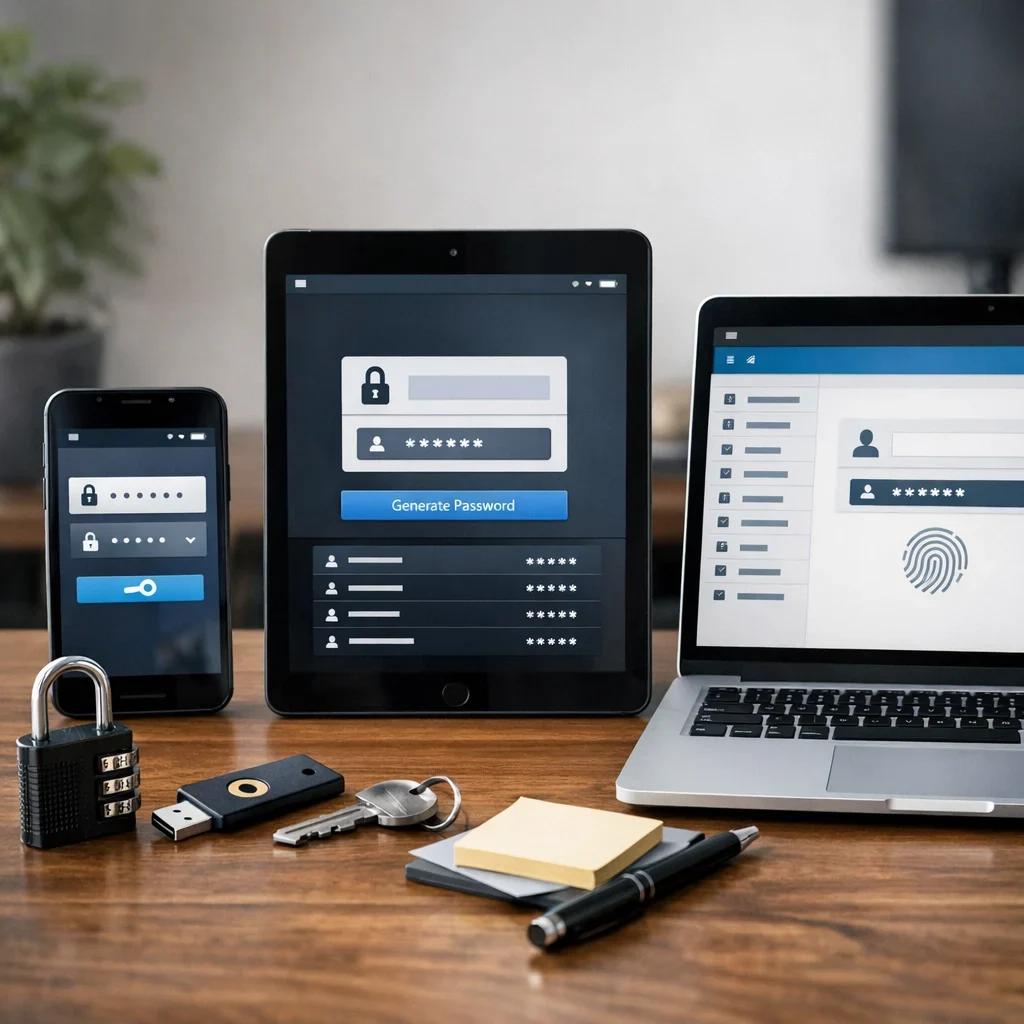
In the digital age, having a password manager that doesn’t look like it’s straight out of a 1950s sci-fi novel is more than a necessity; it’s a matter of survival. And for those of us with the memory of a goldfish, they are absolutely essential. Let’s get to the point and compare the three titans of password storage without any sugarcoating.
Password Manager Comparison Table
| Manager | Price | Security Features | Ease of Use |
|---|---|---|---|
| LastPass | Free / €36 per year | Two-factor authentication, random password generation. | Intuitive, with extensions for all major browsers. |
| 1Password | €35.88 per year | AES-256 encryption, auto-fill for forms. | Clean interface, though you might need a treasure map for some features. |
| Dashlane | Free / €59.88 per year | Included VPN, real-time security alerts. | If you prefer buttons, you’ll feel right at home. |
Common Mistakes
Never Changing Passwords
Being loyal is great in relationships, but when it comes to passwords, changing is good. Keep hackers confused like tourists without a map.
Using the Same Password for Everything
Using the same key for your email, bank account, and Netflix profile is like having a single key for your house, car, and office. Ideal, until it gets lost.
Confusing Security with Mission Impossible
If you need to remember '123456' or 'password' because you think something more complex would be the square root of impossible, it’s time to let a password manager take the wheel.
Quick Tips
- Vary Your Passwords: Although we’ve mentioned it before, it’s always good to remind you that recycling isn’t great when it comes to passwords.
- Use Two-Factor Authentication Whenever Possible: Two layers are better than one, especially when it comes to security.
- Don’t Fear Change: Change your passwords regularly, especially if they’ve been exposed in a security breach.
Frequently Asked Questions (FAQ)
- Do I really need a password manager?
Yes, unless you’re a superhero with superhuman ability to remember complex and unique passwords for each of your accounts.
- What if the password manager gets hacked?
As long as you don’t put all your hopes in one that has more holes than Swiss cheese, you should be fine. Choose one with a strong reputation for security.
- Are they complicated to use?
Less complicated than trying to remember if your password was Fluffy1234$ or Whiskers5678% for that particular account.
Published: 11/05/2026. Content reviewed using experience, authority and trustworthiness criteria (E-E-A-T).
This article may have used artificial intelligence tools to support structure, editing, translation or review. Editorial responsibility and final review remain with Toni Berraquero. View AI policy

You can support the project or share this article in one click. At least this block does something useful.