
Phishing with Spoofed Links: How to Spot Altered Letters and Avoid Falling Victim
Starkiller proxies phishing is a trap that many overlook until it's too late. These are links that, at first glance, seem legitimate but hide altered letters or strange characters to deceive you and steal your data or money. The fact that it involves proxies or servers is no coincidence: attackers know that people with a certain level of tech knowledge may let their guard down, thinking everything is under control. There are no magic formulas here, but there are tricks to ensure you aren't caught off guard and can identify when a link isn't what it seems.
The Art of Deception in Links: Beyond the Obvious
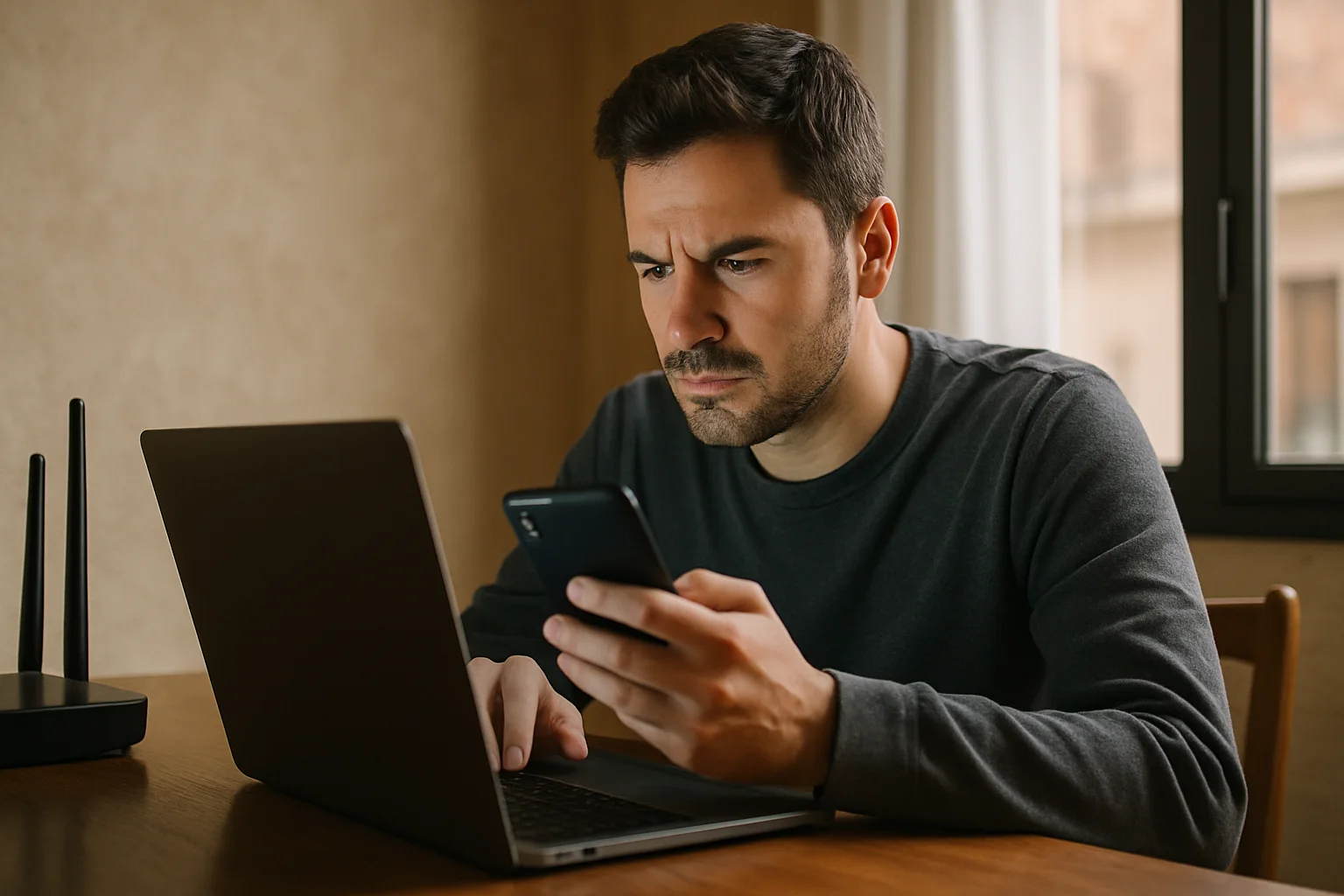
If you look closely, many of these attacks don't resort to absurd domains or lengthy URLs. Instead, they modify one or two letters within the link to make it look exactly the same. For example, changing an “o” to a zero, an “l” to an uppercase “I,” or using characters from other alphabets that visually match ours. It's not new, but the level of refinement has increased so much that sometimes even the most trained eye doesn't detect it immediately.
In my experience, starkiller proxies phishing often exploits this technique to trap you without suspicion. You receive an email with a supposed link to a panel or service you use, and the domain seems correct. However, if you look closely, it doesn't end in .com but something similar or has a different character. The difference lies in a character that isn't visible at first glance but changes the URL completely.
If you find this useful, always remember to check links carefully and, when possible, type the URL directly into your browser.
Why Do Links with Altered Letters Work? A Look at the Psychology Behind It
This type of phishing isn't just a matter of technique; it's also about psychology. Who stops to compare each letter of a link when they're in a hurry? No one. That's why attackers bet that the average user won't notice the difference and will click without thinking. Moreover, if the message has an urgent or alarming tone, people tend to act quickly without overthinking.
Proxies and technical services often have complicated URLs, which works in the attacker's favor. If the user is already accustomed to seeing long addresses with numbers and symbols, it's easier for them not to notice something unusual. Previous trust in the brand or service also makes you let your guard down.
Have you ever doubted a link only to find out it was legitimate? That feeling of insecurity is normal and necessary. Don't blame yourself for being suspicious; in this case, it's your best defense.
Tools and Tricks to Avoid Falling for Starkiller Proxies Phishing
Detecting these links with altered letters requires practice and sometimes external help. There are browser extensions that alert you to suspicious URLs, although none are foolproof. The most effective approach is to learn to look at the real domain and not just the visible text. For instance, if the link says www.servicio-proxy.com, but when you hover over it, you see www.s3rvicio-proxy.com, there's something fishy going on.
A trick I use is to copy the link and paste it into a text editor to examine it calmly, especially if I suspect it might be starkiller proxies phishing. It's also helpful to check security certificates, although they're not always an absolute guarantee, but most legitimate sites have them properly configured.
Finally, if you have doubts, contact the company or service directly using official channels. It's better to take an extra minute than to fall into the trap.
A Little-Known Nuance: The Exploitation of Homoglyph Characters in Phishing
Beyond the classic letter-to-number or symbol substitution, starkiller proxies phishing has evolved into a much more subtle and sophisticated territory: the use of homoglyph characters. These are characters that are visually identical or very similar to others but belong to different alphabets or have different Unicode codes. For example, the Latin letter “a” can be replaced by a Cyrillic “а,” which looks the same at first glance but is a completely different character for computer systems.
This trick is especially dangerous because conventional browsers and security filters don't always detect these differences, and for an average user, it's practically impossible to distinguish them without specific tools. In the context of proxies and technical services, where URLs tend to be complex and unfamiliar, this technique is exploited to create links that appear 100% legitimate, even when the user inspects them closely.
A real case that exemplifies this technique occurred with an attack targeting system administrators using a popular control panel for proxies. Attackers sent emails with links containing Cyrillic homoglyph characters instead of Latin letters, allowing them to redirect victims to fraudulent sites without raising immediate suspicion. The difference was so subtle that even automatic email filters didn't detect it in time, causing financial losses and credential leaks.
Why Isn't Common Sense Enough? A Reasonable Objection
It's common to hear that to avoid falling for phishing, one just needs to "be careful" or "not click on suspicious links." However, this advice, while valid, isn't sufficient against techniques like those used in starkiller proxies phishing. The reason is that the social engineering behind these attacks is designed to exploit precisely the trust and digital habits of the user, not just their technical knowledge.
For example, a professional managing proxies and technical services may feel secure receiving an apparently legitimate email from a known provider. The urgency of the message, the familiarity of the domain, and the natural complexity of URLs in this field create an environment where "caution" quickly dissipates. This shows that even advanced users can fall victim if they lack additional tools or protocols to validate links.
Moreover, the information overload and the speed at which one works in digital environments mean that "common sense" doesn't always apply with the necessary rigor. Therefore, prevention must rely on automated systems, ongoing training, and clear procedures to verify the authenticity of links, not just on individual goodwill or experience.
Practical Consequences of Ignoring These Details in Professional Environments
In environments where proxies, servers, and technical services are managed, falling for starkiller proxies phishing can have much more severe consequences than in personal use. For instance, if a system administrator accesses a fake panel, they may be handing over credentials that allow an attacker to control critical infrastructure, alter configurations, or even deploy malware on a large scale.
This not only affects the security of the company or service but can also lead to operational disruptions, loss of sensitive data, and reputational damage that is difficult to repair. Additionally, recovery is often costly and slow, as it involves audits, system restoration, and, in many cases, legal notifications for security breaches.
That's why early detection and specific education on advanced phishing techniques are vital. It's not enough to avoid impulsive clicks; it's essential to implement technical controls such as whitelists of domains, multi-factor authentication, and automated URL analysis to mitigate risk in these environments.
The Difficulty of Detecting Starkiller Phishing on Mobile Devices
A little-discussed but crucial aspect is how the proliferation of internet access from mobile devices enhances the effectiveness of phishing with spoofed links, especially in contexts like starkiller proxies phishing. On small screens, with touch interfaces and browsers that hide technical details, it becomes much more challenging for users to detect subtle changes in URLs or homoglyph characters. Additionally, typical mobile behavior—such as clicking quickly, not hovering to see the real URL, or trusting previews—makes it easier for these attacks to go unnoticed.
For example, in a recent attack targeting professionals managing proxies from mobile apps or browsers, it was exploited that operating systems do not show the full domain in the address bar and that users often don't have easy access to tools for inspecting links. The result was a significant increase in the click rate on malicious links with homoglyph characters, leading to account compromises and unauthorized access to critical infrastructures.
This highlights the need for security solutions to not only focus on desktops but also include specific controls for mobile devices. Among them, browsers with integrated anti-phishing protection, security apps that analyze links before opening them, and, above all, training on how to interpret warning signals in limited interfaces stand out.
The Shadow of the “Starkiller Effect”: How Repeated Similar Attacks Reduce Vigilance
A psychological phenomenon that complicates the detection of starkiller proxies phishing is what we might call the “Starkiller Effect”: the saturation and constant repetition of similar attacks that, paradoxically, make users less vigilant. When someone receives dozens of suspicious emails that turn out to be false positives or spam without serious consequences, the natural response is to let their guard down to avoid digital fatigue and stress.
This effect is exacerbated in technical environments where multiple alerts, notifications, and communications from different providers are handled. The practical consequence is that, when faced with an email containing a well-crafted spoofed link, the user may trigger an impulsive click not out of ignorance but due to cognitive exhaustion. In other words, overexposure to phishing attempts can create a false sense of security or indifference.
The solution lies not only in filtering emails more aggressively but also in designing workflows that include verification pauses, task rotation to avoid fatigue, and, when possible, automation that discards suspicious links before they reach the end user. Recognizing and mitigating the Starkiller Effect is as important as identifying the phishing technique itself.
An Instructive Counterexample: When Technology Alone Is Not Enough
In 2023, a tech company implemented an advanced automatic phishing detection system that analyzed incoming links in real-time and blocked those with homoglyphs or domain anomalies. However, one incident demonstrated that while technology is a powerful tool, it is neither infallible nor sufficient.
An employee received a legitimate email but with a shortened link that redirected to a real but compromised subdomain. The technology detected the main domain as safe and did not block access. The user, trusting the tool, clicked and provided credentials that were later used to access internal systems. The lesson here is clear: technology must be complemented with ongoing training and clear protocols to ensure the user maintains a critical attitude, even when relying on automated systems.
This case also underscores the importance of not relying solely on filters or extensions but implementing multilayer strategies that include robust authentication, constant monitoring, and rapid responses to suspicions to minimize the impact when something manages to breach defenses.
Published: 23/04/2026.
This article may have been prepared with the assistance of artificial intelligence tools. View AI policy

You can support the project or share this article in one click. At least this block does something useful.