
Protect Your Digital Life: Cybersecurity Checklist
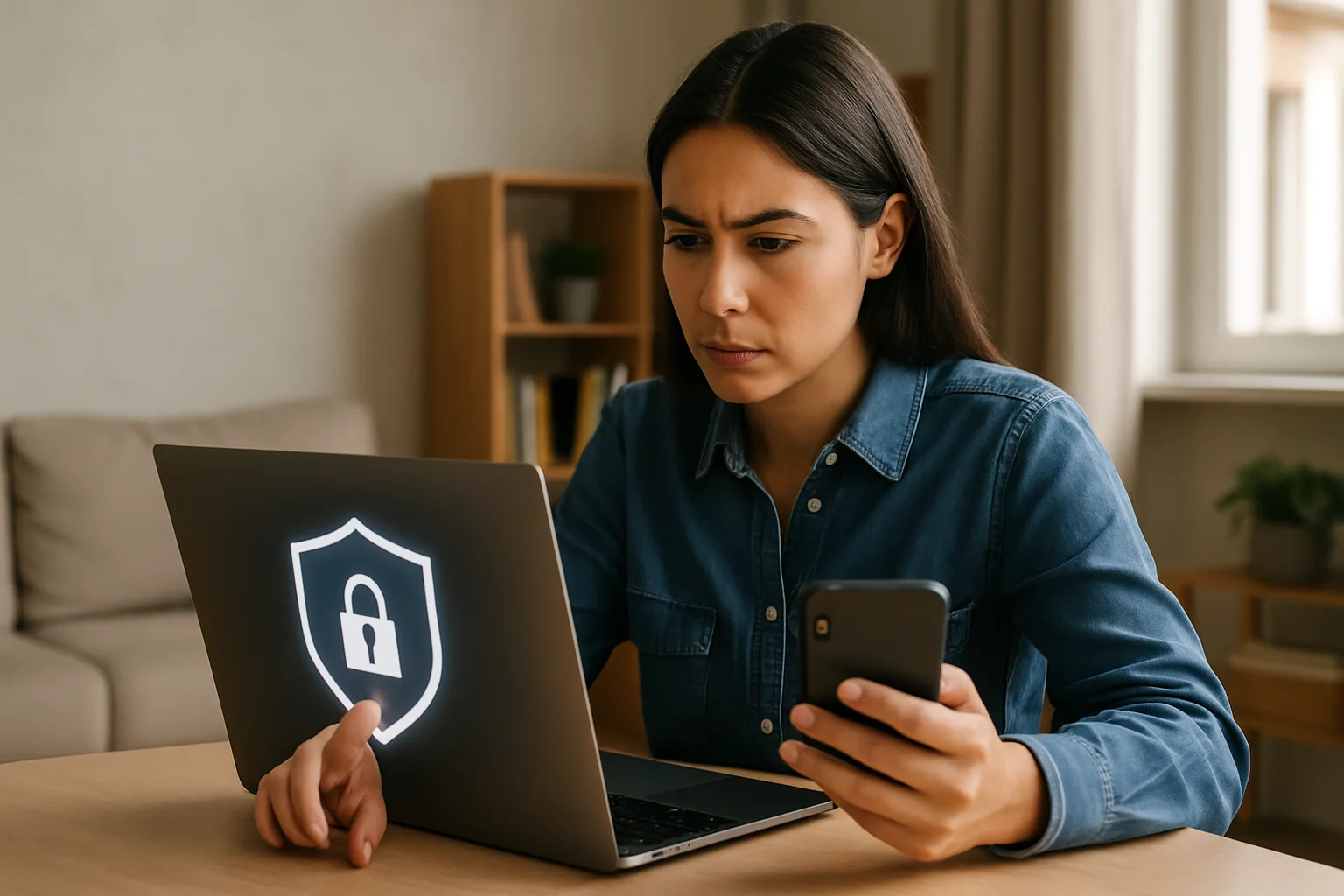
Practical Cybersecurity Checklist for Social Media and Digital Life
Cybersecurity is essential in a world where our lives are increasingly connected. This checklist will help you protect your identity and personal data on social media and in your digital life. With simple steps, practical tips, and answers to frequently asked questions, you'll be better prepared to face digital challenges. Let's get started!
1. Privacy Settings on Social Media
Reviewing and adjusting your privacy settings is crucial to protect your information. Here are some steps to do it:
- Check privacy settings: Make sure your profile is not public. On Facebook, for example, you can change the visibility of your posts.
- Manage connected apps: Review which apps have access to your accounts and remove those you don't use.
- Limit personal information: Avoid sharing sensitive data like your address, phone number, or financial information.
2. Password Management
Passwords are your first line of defense. Follow these steps to manage them better:
- Use strong passwords: Combine letters, numbers, and symbols. An example would be "P@ssW0rd!2023".
- Update your passwords regularly: Change your passwords every 3-6 months.
- Use a password manager: Tools like LastPass or 1Password can help you keep your passwords secure.
3. Two-Factor Authentication (2FA)
Implementing two-factor authentication adds an extra layer of security. Here's how to do it:
- Enable 2FA: Turn on this option for all accounts that allow it, such as Google, Facebook, and Twitter.
- Use 2FA apps: Apps like Google Authenticator or Authy are secure options for receiving verification codes.
4. Cautions When Sharing Information
The information you share online can be used against you. Be careful with the following:
- Think twice before posting: Consider the repercussions of each post.
- Don't share real-time locations: This can make it easier for strangers to know where you are.
- Avoid misleading surveys: Many times they seek personal information disguised as fun.
5. Be Careful with Links and Messages
Being cautious with suspicious links and messages is crucial. Here are some tips:
- Don't click on unknown links: Always verify the source before opening a link.
- Beware of urgent messages: Scammers often use fear tactics to make you act quickly.
- Use Google search: If you receive a strange message from a company, look for information on their official page before responding.
Common Cybersecurity Mistakes
Here are some mistakes many people make and how to avoid them:
- Not updating software: Always keep your operating system and applications updated.
- Reusing passwords: Use unique passwords for each account.
- Ignoring security settings: Take time to review and adjust the security settings of your accounts.
Quick Tips
These quick tips will help you improve your cybersecurity easily:
- Disable location in unnecessary apps.
- Back up your important data.
- Use secure Wi-Fi networks and avoid public networks for sensitive transactions.
Frequently Asked Questions (FAQs)
What should I do if I think my account has been hacked?
If you suspect your account has been hacked, change your password immediately and enable two-factor authentication. Also, notify the relevant platform.
Is it safe to use public Wi-Fi?
Using public Wi-Fi can be risky. Avoid making sensitive transactions and consider using a VPN to protect your connection.
What is phishing and how can I protect myself?
Phishing is a technique used by scammers to steal personal information. To protect yourself, verify links before clicking and do not share sensitive information via email.
Examples of Cybersecurity in Spain
In Spain, there have been notable cases related to cybersecurity that highlight its importance:
- The attack on Accellion: This case exposed data from many organizations in Spain, emphasizing the importance of having robust security measures.
- Identity theft scams: Numerous cases have been reported where scammers impersonate banks or companies to steal personal information.
Conclusion
Cybersecurity is a shared responsibility. By following this practical checklist, you can better protect your information on social media and in your digital life. Stay informed and safe!
Published: 04/05/2026. Content reviewed using experience, authority and trustworthiness criteria (E-E-A-T).
This article may have used artificial intelligence tools to support structure, editing, translation or review. Editorial responsibility and final review remain with Toni Berraquero. View AI policy

You can support the project or share this article in one click. At least this block does something useful.