
Stay Safe: Simple Checklist for Handling Suspicious Email Attachments
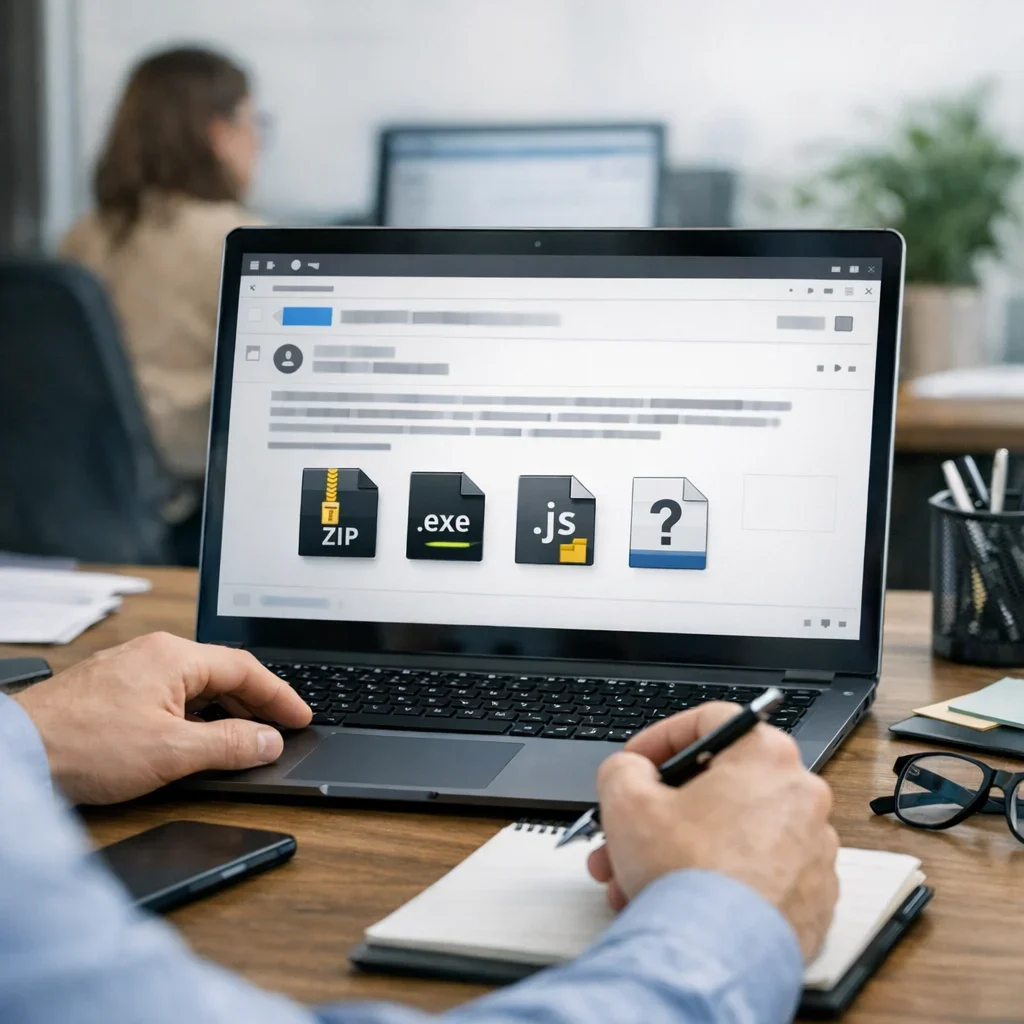
We receive emails daily, whether from work, friends, or those chains we never asked for. However, there's always something that should raise our alert: suspicious email attachments. Opening an attachment thoughtlessly can lead to a world of problems, from viruses to data theft. So, before clicking on that file that seems like a gift, let's review what we need to keep in mind.
Why Are Suspicious Email Attachments Dangerous?
Email attachments can be an open door to security issues. Most of the time, they are used by cybercriminals to spread malware, ransomware, or phishing attempts. Can you imagine a normal workday suddenly turning into a data thief's playground? Not a good plan, right? That's why it's vital to learn how to identify when an attachment isn't trustworthy.
Checklist for Identifying Suspicious Email Attachments
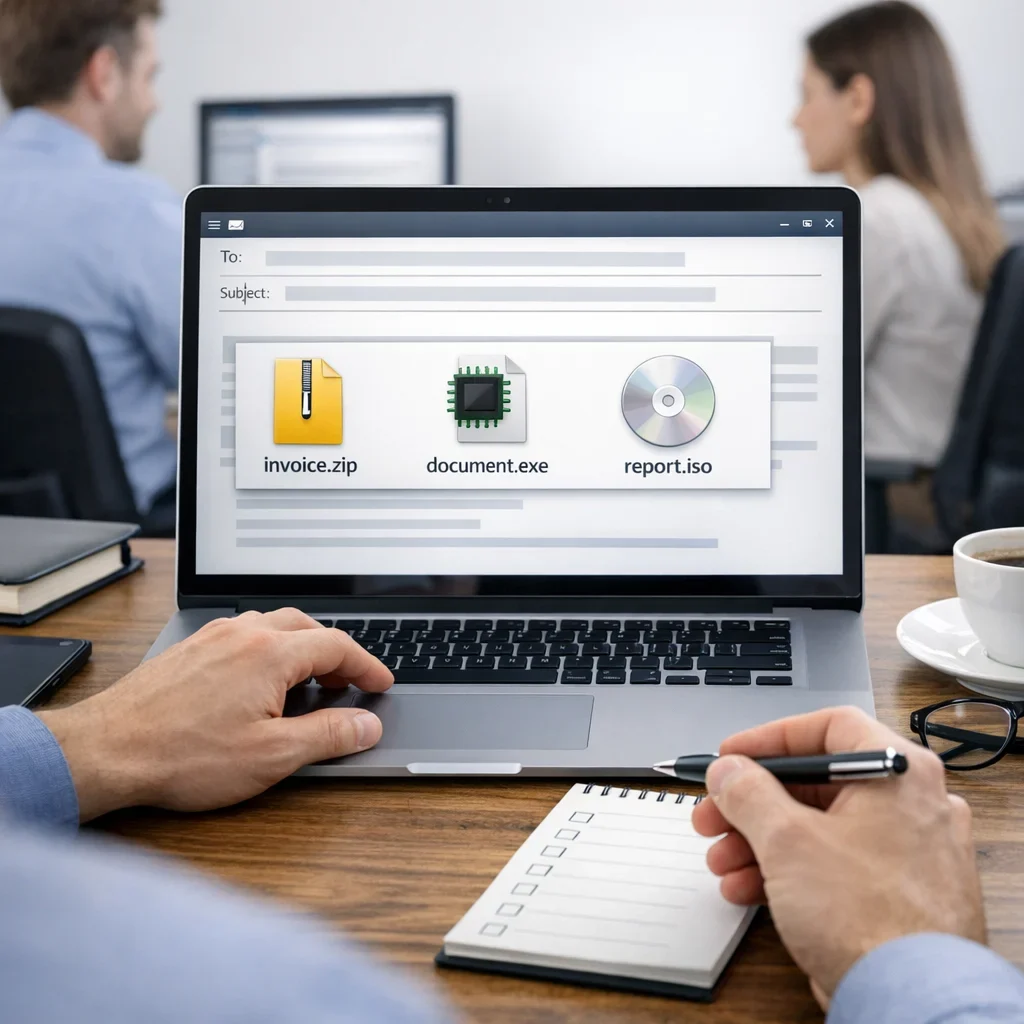
| Criterion | Description | Recommended Action |
|---|---|---|
| Unknown Sender | If you don't know the person or company sending the email, be suspicious. | Delete without opening. |
| Grammar Errors | Fraudulent emails often contain spelling mistakes or odd phrases. | Investigate the sender. |
| Urgent Requests | If you're asked to act quickly, it's a red flag. | Do not open the attachment. |
| Strange Formats | Files with unusual extensions (like .exe or .scr) are often dangerous. | Delete the email. |
| Subject Inconsistencies | If the subject doesn't make sense with the content, be cautious. | Verify before opening. |
Common Mistakes When Opening Attachments
- Not checking the sender: Sometimes, a familiar name can be spoofed.
- Opening files with dangerous extensions: Always be cautious with .exe, .scr, etc.
- Ignoring antivirus alerts: If your security software warns you, there's a reason.
- Assuming all work emails are safe: A little skepticism never hurts.
Quick Tips to Avoid Problems
- Always be suspicious: If something seems too good to be true, it probably is.
- Use updated antivirus software: Don't skimp on protecting your device.
- Preview before opening: Sometimes, you can view the content without opening the file.
- Consult the sender: If in doubt, ask before opening.
- Keep your operating system and applications updated: Updates often include security patches.
How to Handle Suspicious Email Attachments
Now that you know how to identify them, let's talk about what to do if you encounter an attachment that raises doubts. The key is to act cautiously and not let curiosity take over. Here are some practical steps to avoid a scare.
Step-by-Step: What to Do If You Receive a Suspicious Attachment?
- Do not open the attachment: It sounds obvious, but the temptation can be strong. Remember, a click can open the door to disaster.
- Verify the sender: If you don't know them or if the email seems strange, search the name or address on Google. Sometimes, a quick glance can save you.
- Consult the sender: If it seems like the attachment is from someone you know, send them a message. Ask if they really sent you something. Sometimes friends become victims of impersonation.
- Use analysis tools: There are online services that allow you to analyze suspicious files without opening them on your computer. One example is VirusTotal, which checks files and URLs for malware.
- Inform your IT team: If you work in a company, don't hesitate to inform the IT department. They are there to help you and can take necessary measures to protect everyone.
Examples of Suspicious Emails and How to Act
To show you this isn't just theory, here are some examples of emails you might receive and how you should react:
| Example Email | Description | Recommended Action |
|---|---|---|
| Email from "your bank" | They ask you to verify your account via a link and attach a PDF. | Delete and contact your bank directly. |
| Unexpected Invoice | You receive an email with an invoice from a company you don't know. | Investigate the company and do not open the attachment. |
| Gift from "Amazon" | They tell you that you've won a prize and need to open a file to claim it. | Delete and do not open the attachment. |
As you can see, you don't need to be a cybersecurity expert to spot suspicious emails. With a little common sense and by following these steps, you can protect yourself from the dangers lurking in your inbox. And remember, if a file or an email seems fishy, it's better to be safe than sorry. Don't let curiosity cost you a headache!
The Psychology Behind Suspicious Emails
Have you ever wondered why we fall into the trap of opening those pesky attachments? The answer lies in the psychology of deception. Cybercriminals are masters at manipulating our emotions, using tactics that appeal to our curiosity, fear, or even greed. Here are some examples of how they play with our minds:
- Urgency: "Act now or lose your account!" This type of urgent message makes us react without thinking.
- Trust: They use names and logos of well-known companies to make us feel secure. Beware! A logo is not synonymous with authenticity.
- Rewards: "You've won a prize, you just need to open this file." The promise of a gift can blind us to danger.
The next time you receive an email like this, remember that behind every word is a malicious intent. Stay calm and don't let panic or excitement take over.
Tools to Detect Suspicious Attachments
While common sense is your best ally, there are tools that can help you detect suspicious emails and protect you from threats. Here are some options you might consider:
- Antivirus: A good antivirus not only scans files but also detects suspicious behaviors in emails.
- Browser Extensions: There are add-ons that analyze links and attachments before you click. Research and choose one that fits your needs.
- File Analysis Services: Tools like VirusTotal allow you to upload files to check their safety without opening them on your device.
Remember, prevention is key. Don't wait until it's too late to take action. Keep your software updated and regularly check the security settings on your devices.
What If I've Already Fallen into the Trap?
If, unfortunately, you've already opened a suspicious attachment, all is not lost. Here’s an action plan you can follow:
- Disconnect from the Internet: This prevents the malware from communicating with its server and spreading damage.
- Run a full scan: Use your antivirus to scan the system. If it detects anything, follow the instructions to remove it.
- Change passwords: If you suspect your data has been compromised, change your passwords immediately, starting with the most critical ones.
- Restore the system: If the damage is severe, consider restoring your system to a previous point where it was functioning correctly.
- Inform your contacts: If your email has been compromised, alert your contacts to be on the lookout for suspicious emails they might receive from you.
In summary, acting quickly can make the difference between a scare and a disaster. Stay alert and always prioritize digital security. The next time a strange email arrives, remember: curiosity killed the cat, and in this case, it could ruin your day too.
Frequently Asked Questions About Suspicious Email Attachments
What should I do if I opened a suspicious attachment?
If you've opened an attachment that seems suspicious, the first step is to disconnect your device from the Internet. Then, run a full scan with your antivirus and, if necessary, restore your system to a previous point.
How can I protect myself from phishing emails?
The best defense is prevention. Keep your software updated, do not open emails from unknown senders, and use security tools that detect fraud. Additionally, always verify web addresses before clicking on links.
Can PDF files also be dangerous?
Yes, PDF files can contain malware. While they are generally safer than other formats, it's always best to be cautious. Verify the sender and ensure you are expecting a file of that type.
How can I identify a fraudulent email?
Check the sender, review the grammar and tone of the message. Legitimate emails usually have a professional style. Also, if they ask for private or urgent information, be suspicious immediately.
Can my company be a victim of a mass attack?
Absolutely. Companies are frequent targets for cybercriminals. That's why it's crucial to educate all employees on how to identify suspicious emails and establish clear security protocols.
Remember, online security starts with you. Stay alert and don't let a strange attachment ruin your day. If you want to delve deeper into digital security topics, as we've seen in other guides from Berraquero.com on online privacy, it's always good to be informed and prepared.
Updated: 04/03/2026.
This article may have been prepared with the assistance of artificial intelligence tools. View AI policy

You can support the project or share this article in one click. At least this block does something useful.