
Online Card Payments: Tips for Safer Transactions
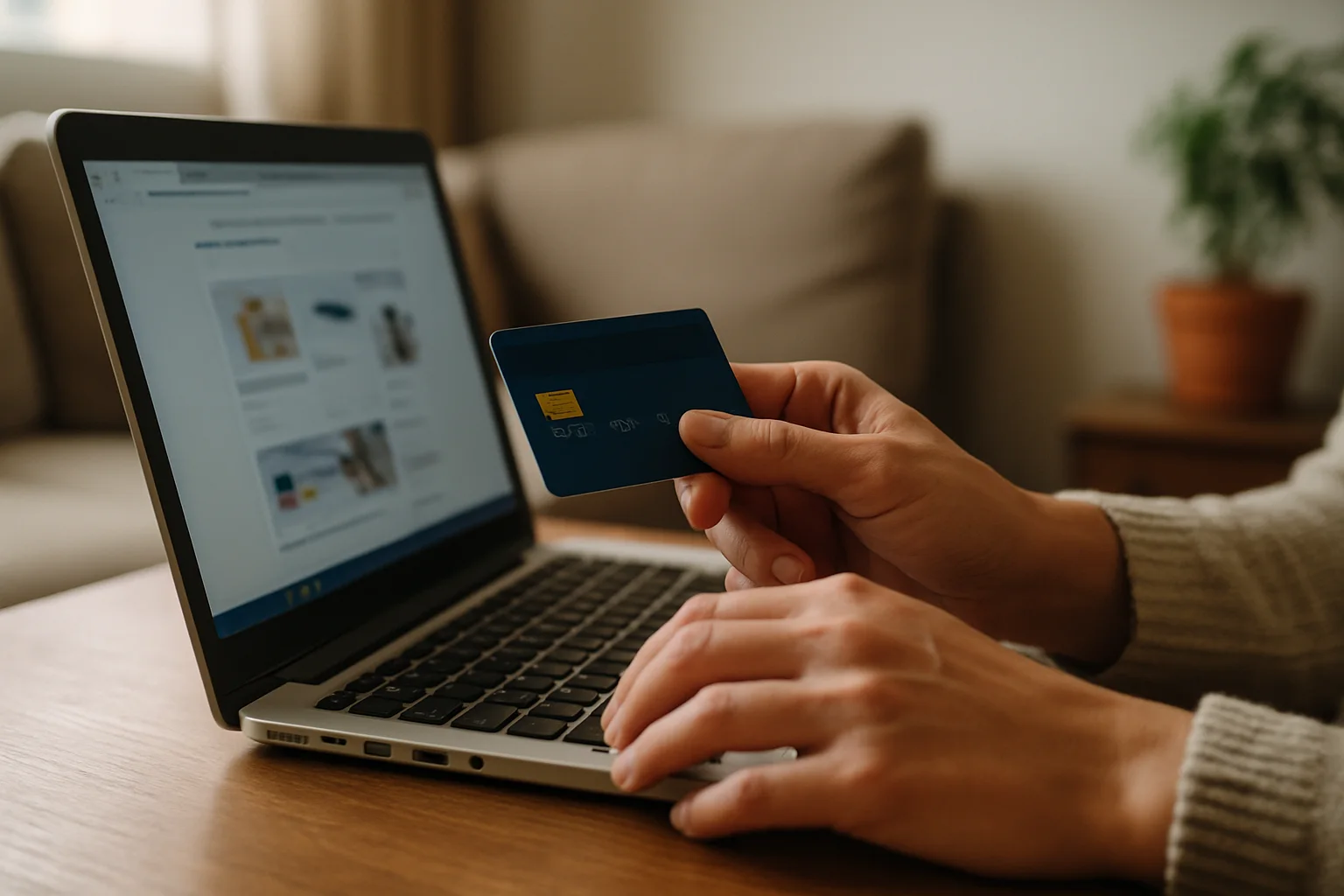
In Spain, the option to pay securely with a card is more than just a necessity; it's a must to avoid unpleasant surprises in your bank account. With the rise of online shopping, understanding how to manage this payment method is essential to protect your money and personal information. Ready to become an expert in digital transactions without losing your mind?
Why is it important to pay securely with a card?
Credit and debit cards are very practical tools, but they can also turn into a walk in the park… if the park were filled with thieves. When you pay with a card online, your information is transmitted through multiple points, which can be a feast for cybercriminals if you don't take the right precautions. Here’s why it’s crucial to do it right:
- Data protection: Cards come with security measures, but it's up to you to activate and use them correctly.
- Avoid fraud: A secure payment can prevent your card from being cloned or used without your authorization.
- Speed and convenience: Paying with a card is quick, but a small oversight can cost you dearly.
Common Mistakes When Paying with a Card
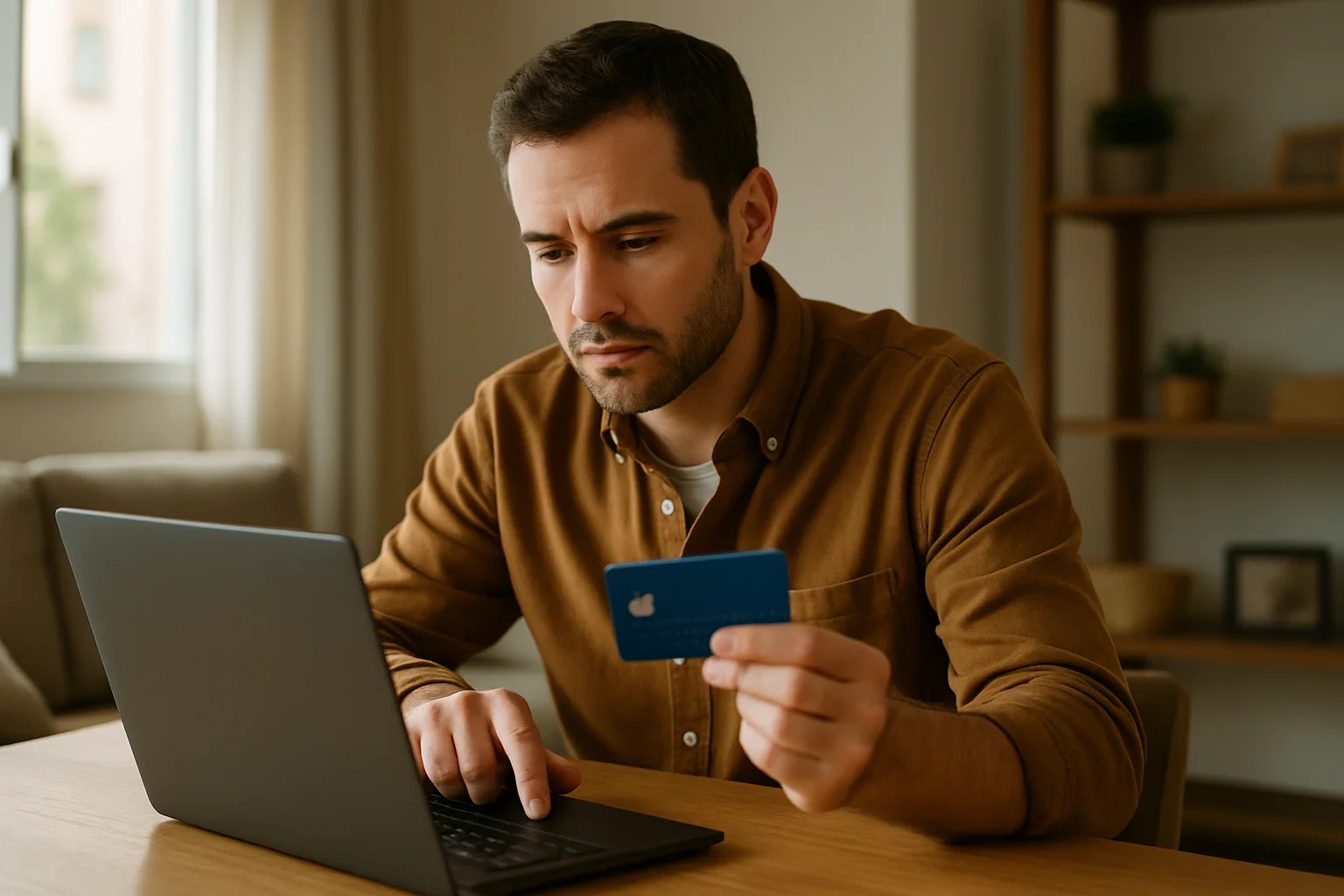
Here’s a list of common mistakes people often make when making card payments online. Avoid them, and you'll be a master of secure payments:
- Not checking the URL: Make sure the website is secure (look for the padlock in the address bar).
- Using public Wi-Fi: Don’t be reckless; avoid shopping on networks that aren’t trustworthy.
- Not enabling two-step authentication: If your bank offers it, enable it. It’s like putting a lock on your front door.
- Ignoring the return policy: Make sure you know what to do if something goes wrong. Ignorance is not an excuse.
- Providing unnecessary information: Don’t give more data than requested. If they ask for your grandmother's number, be suspicious.
Quick Tips for Secure Card Payments
If you don’t want to end up crying over your card, here are some quick tips to help you make safer payments:
- Use virtual cards: Many institutions offer temporary cards for online purchases, ideal for avoiding fraud.
- Regularly check your statements: Stay on top of your spending and act quickly if you see something suspicious.
- Disable the “remember card” option: On payment pages, it may be convenient, but it’s an unnecessary risk.
- Install security software: A good antivirus can be your best friend in the fight against malware.
- Enable transaction alerts: This way, you'll know instantly if someone is having fun with your money.
Payment Method Comparison
| Payment Method | Security | Convenience | Cost |
|---|---|---|---|
| Credit Card | High | High | Low (interest if not paid on time) |
| Debit Card | Medium | High | Low |
| PayPal | High | High | Low (fees in some cases) |
| Bank Transfer | Medium | Low | Variable |
FAQ about Secure Card Payments
Is it safe to use credit cards online?
If you take the right precautions, paying with a credit card online can be safe. Make sure the website is trustworthy and uses secure connections.
What should I do if my card is used without my authorization?
Contact your bank immediately. Most institutions have consumer protection policies that will allow you to recover your money if you act quickly.
Are virtual cards really secure?
Yes, virtual cards are an excellent option for online purchases, as they are temporary and limit the risk of fraud.
How can I tell if a website is secure?
Look for the padlock in the address bar and verify that the URL starts with "https://". Also, research the site's reputation online.
Is it advisable to save my card details on online stores?
It’s not advisable. While it may be convenient, it’s better to enter the details manually each time you shop to prevent someone else from accessing your information.
Remember that the security of paying securely with a card is in your hands. With these tips and tricks, you'll be better prepared to enjoy your online shopping without any scares. Happy shopping!
Updated on 05/05/2026. Content reviewed using experience, authority and trustworthiness criteria (E-E-A-T).
This article may have used artificial intelligence tools to support structure, editing, translation or review. Editorial responsibility and final review remain with Toni Berraquero. View AI policy

You can support the project or share this article in one click. At least this block does something useful.