
Best Software for Small Businesses Made Simple
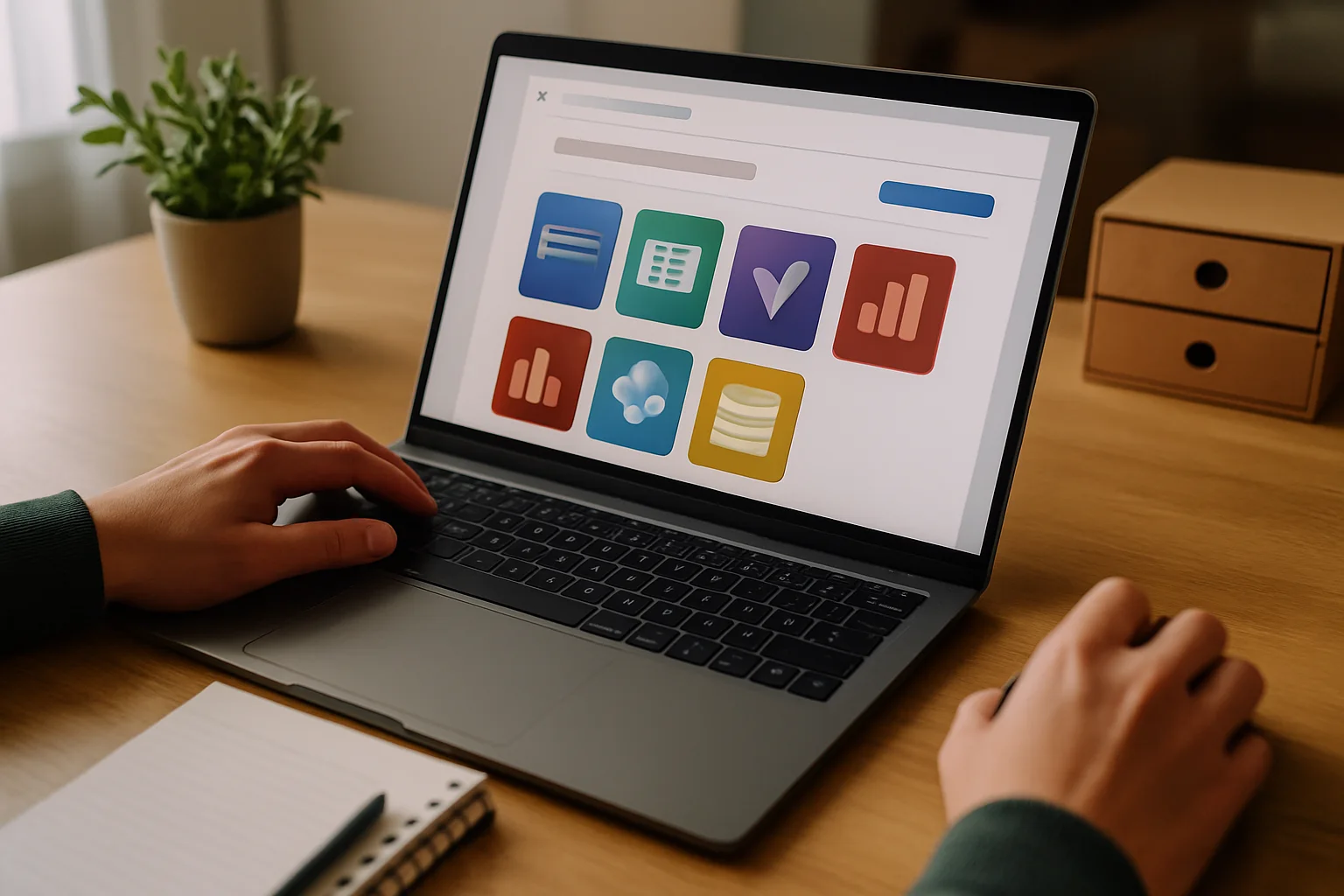
Original source: Introducing Microsoft 365 Business with Copilot: The new standard for small business.
If you run a small business, you probably already know that software is not a luxury but a necessity to keep everything organized and save time. But here’s the catch: with so many options and promises, choosing the right software for small businesses can become a real headache. The issue isn’t just finding powerful tools; they also need to fit your way of working, not complicate your life, and, above all, not make you pay for features you won’t use.
In practice, many small businesses struggle with applications that overlap or don’t integrate well with each other. In the end, the result is more confusion than productivity. That’s why, when we talk about software for small businesses, the approach should be simple: less is more. It’s better to have a minimal stack that covers the essentials and adapts to your business than an arsenal of programs that only serve to fill up hard drive space.
Why Software for Small Businesses Should Be Practical and Not a Headache
Small businesses often operate with small teams and tight resources. This means that when a new tool is introduced, it must provide real value from day one. No “it will improve everything once you get the hang of it.” The learning curve has to be low, and integration with what you already use should feel natural.
A clear example is Microsoft 365 Business with Copilot, which integrates artificial intelligence directly into familiar applications like Word, Excel, or Outlook. This not only speeds up routine tasks but also avoids opening a thousand windows and having to manually connect data between platforms. Here, AI is not just an added feature; it’s designed to fit into your workflow, understanding the context of your business and preventing duplicated efforts.
And let’s not forget, security is no small matter. With the amount of sensitive data small businesses handle—from client lists to contracts—it’s essential that the software allows you to control who accesses what and protects information, even when working with AI. Microsoft 365, for example, allows you to mark files as confidential and apply restrictions to prevent accidental information leaks.
When Is It Better to Invest in Software and When to Wait?

One of the questions I get asked the most is: “Should I buy all the tools available for small businesses now or take it slow?” My answer is always the same: first, cover what you really need for your business to operate and grow. Then, if you see something is missing, add more.
For instance, a small business just starting out can begin with basic productivity applications that integrate email, documents, and task management. If it also has a system that automates communications or invoicing, even better. But it doesn’t make sense to pay for advanced CRM software if you don’t yet have a customer volume that justifies it.
Do you really need a specific application for every little process? No. Often, software that does several things well and allows you to add functions gradually is more cost-effective and less complicated. Plus, it prevents the team from having to learn to manage too many different platforms, which always slows down productivity.
Choose Your Minimal Stack
To get the right software for small businesses without complicating things, focus on these essential categories:
- Productivity applications: email, word processor, spreadsheets, presentations, and calendar. This is where tools like Microsoft 365 shine due to their integration and ease of use.
- Customer and sales management: if your business relies on a steady flow of clients, a basic CRM that integrates with your productivity apps will save you time and errors.
- Invoicing and finance: software that allows you to issue invoices, manage payments, and handle basic accounting without complications or duplications.
- Security and access control: ensure that your software allows you to protect sensitive information and control who can access each piece of data. It’s not an extra; it’s essential.
Postponing tools that don’t fall within these categories is perfectly reasonable. For example, if you don’t have employees or manage complex inventories, you don’t need an ERP or HR software from day one.
Remember that each application should add value, not take it away. If a function is duplicated across several programs, you’re paying and complicating things for no reason. That’s why, before hiring, carefully analyze what tasks you want to automate or improve and whether the chosen software truly meets those needs without overlaps.
Is Artificial Intelligence a Plus or a Problem for Small Businesses?
AI promises a lot, and in some cases, it delivers. But in the world of small businesses, the reality is that many solutions come as “extras” that complicate more than they help. The key is that AI should integrate into the processes you already have, without you having to learn to use another platform or change your routine.
Microsoft 365 with Copilot is an example of how AI can be a real ally: it helps generate documents, respond to emails, or analyze data without you having to leave the application you’re working in. This is different from having to use a separate chatbot or an app that doesn’t connect with your systems.
However, the integration of AI also raises concerns about security and the management of sensitive data. Not all solutions guarantee that confidential information is protected or that access to data is properly restricted. Therefore, if you decide to invest in AI, do so with software that has clear controls and respects your privacy and that of your clients.
Isn’t it curious that, despite all this technology, many small businesses still use spreadsheets as their “single source of truth”? Perhaps the problem isn’t the lack of tools but how we implement them and make them fit with what we already have.
Conclusion: Don’t Complicate Things, Choose What’s Necessary
Ultimately, the best software for small businesses is the one that allows you to do more with less effort, without adding layers of complexity that only serve to distract you. If you want to avoid paying for features you don’t need, focus on building a minimal stack that covers productivity applications, customer management, invoicing, and security. This not only improves efficiency but also facilitates adoption and reduces risks.
Before diving into hiring, think about your current processes and how you want them to look in a year. The software should adapt to your business, not the other way around. And if artificial intelligence comes into play, let it do so to simplify and protect, not to complicate and expose.
In the end, productivity isn’t about having more tools but having the right ones and knowing how to use them well. Are you ready to sift through and leave behind what you don’t need?
Published: 14/09/2026.
This article may have been prepared with the assistance of artificial intelligence tools. View AI policy

You can support the project or share this article in one click. At least this block does something useful.